Alarms
A63046-UN-13AUG08
Setup Icon
A63030-UN-13AUG08
Function Toggle Icon
A63026-UN-13AUG08
Next Page Icon
When an alarm is active, an on-screen message appears, to notify the operator of the current condition.To enable and disable alarm sensors:
-
Select Menu button >> Drill Application icon >> Function Toggle icon until icon set 2 is displayed >> select Setup icon.
-
Select Next Page icon.
-
Checkmarks indicate each sensor as active. Highlight and select to remove checkmark and disable alarms.
-
The following alarms can be enabled and disabled:
- Blower Speed.
- Seed Meter Sensor (If equipped with two hoppers, each hopper sensor can be turned off individually.)
- Low Hopper Alarm (If equipped with two hoppers, each hopper sensor can be turned off individually.)
Alarm Screens
A63809-UN-14NOV08
Communication Problem
No data communication—Check all cable connections.
A63810-UN-14NOV08
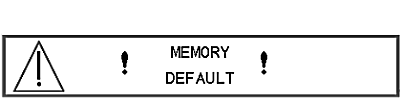
Memory Default
Memory default—Memory has defaulted to factory settings. This is caused by operator error or a faulty circuit board.—Re-enter all settings. If error recurs replace circuit board.
A63817-UN-14NOV08
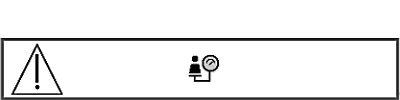
Calibration Problem
Output values do not match calibration values—Reset calibration and machine values, run calibration test, check output.
A63837-UN-14NOV08
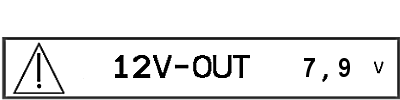
12 Volt Out—Low System Voltage
Low or no voltage to electrical system—Check battery, cables, and fuses.
A63813-UN-14NOV08
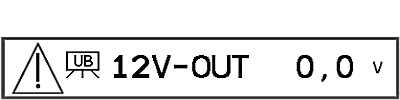
12 Volt Out—Low Controller Voltage
Low or no voltage at controller—Check battery, cables, and sensors.
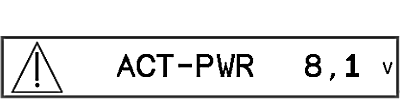
A63816-UN-14NOV08
Actuator, Sensor, Motor, or Hydraulic System Voltage Low
Low operating voltage for motors or hydraulic system—Check battery, cables, and fuses.
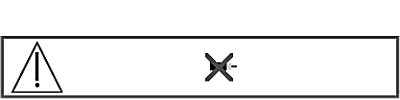
A63819-UN-14NOV08
Metering Motor Problem
Metering motor not turning—Check cables and fuses.
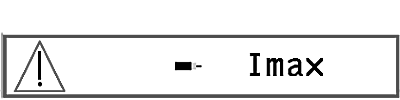
A63811-UN-14NOV08
Momentary Excessive Current Draw at Metering Unit Drive Motor
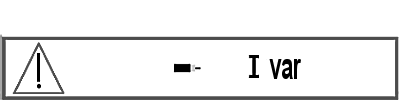
A63853-UN-17NOV08
Extended Excessive Current Draw at Metering Unit Drive Motor
Metering unit drawing high current level—Check motors and cables. Check for seed blockage or restrictions.
A63820-UN-14NOV08
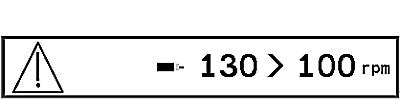
Metering Drive Motor Speed Problem
Metering device drive motor speed too high or low—Correct forward drive speed.
A63838-UN-14NOV08
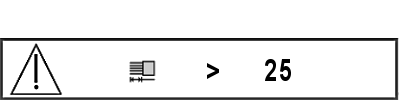
Incorrect Metering Setting
Incorrect metering device settings—Check settings.
A63818-UN-14NOV08
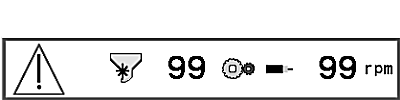
Metering Device Speed Problem
Metering device speed not matched to selected meter record—Check record settings, meter settings, and calibrate as needed. Check meter sensor.
A63814-UN-14NOV08
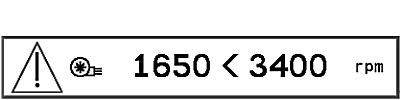
Blower Speed Problem
Blower speed too high or low—Adjust blower speed and check min/max value setting.
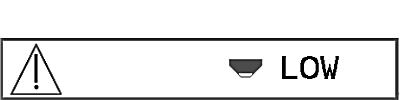
A63815-UN-14NOV08
Seed Hopper Low
Low seed level in hopper—Press OK key to continue or refill hopper.
|
NS43404,000007A-19-20151208 |