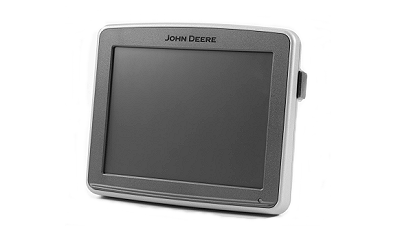
Monitor Controls
A71621-UN-20MAY11
A71622-UN-20MAY11
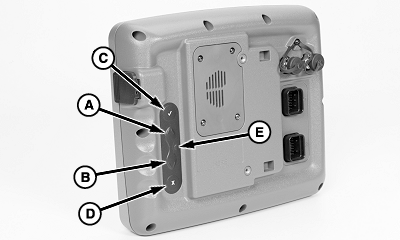
A - Up Arrow
B - Down Arrow
C - Check Mark
D - Clear or Cancel
E - Reset
With the touchscreen monitor, touch the screen over the image of the item to activate. The following pages describe the types of items that are selectable.If the touchscreen malfunctions or if fingers are greasy or dirty, use manual control on back of monitor. Use the up arrow (A) and down arrow (B) to toggle through the screen selections. Use the check mark (C) to select a highlighted selection on the screen. Use the X (D) to clear a selection or cancel an entry. If the screen fails to respond, hold the reset (E) until monitor restarts.
|
NS43404,0000092-19-20130620 |