Engage Standard Meter System or Micrometer System
A63501-UN-22OCT08
ZX013878-UN-02DEC97
Rapeseed Brush
A83816-UN-08OCT14
ISOBUS Monitor Display
A83817-UN-08OCT14
ISOBUS Monitor Display
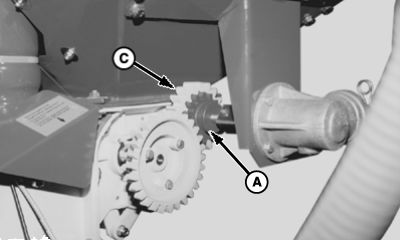
A - Red Gearwheel
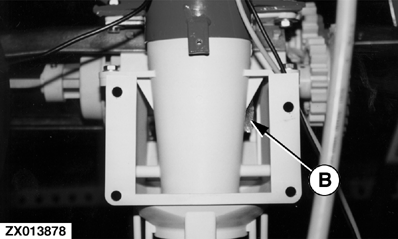
B - Rapeseed Brush
C - Gray Gearwheel
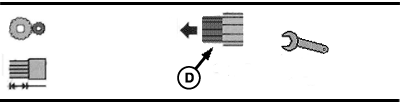
D - Micrometer Engaged
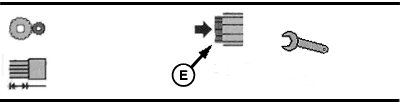
E - Standard Meter Engaged
Non-ISOBUS Monitored System: Use the manual meter calibration method and the calibration charts to select correct meter gear.
ISOBUS Monitored System: Follow the commands on screen to perform a calibration and to select correct meter gear. The ISOBUS system uses the micrometer until the adjustment reaches 110 mm and then uses the standard meter.
The advantage of the micrometer is that the cell is twice as wide as the standard system for the same seed rate. The extra cell width enhances the self-cleaning properties of the cells.
To use the micrometer system, pull out the red gearwheel (A) until it engages the meter gear.
To use the standard meter system, push the red gearwheel in until it disengages and the gray gearwheel (C) is engaged.
IMPORTANT: Check the brush (B) before sowing fine seed such as rapeseed.
Installed on the inside of the seed meter housing is a brush (B) for the fine seed cells such as rapeseed. The brush prevents clogged cells when seed has been treated with a sticky dressing. The brush is located under the cover plate of the venturi cone, behind the gearwheels.
|
OUO6074,0000057-19-20160505 |