Raising and Lowering Markers
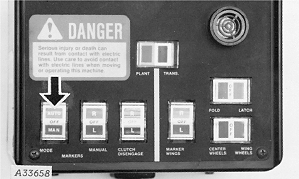
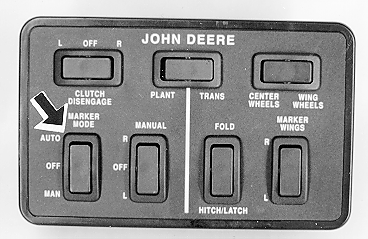
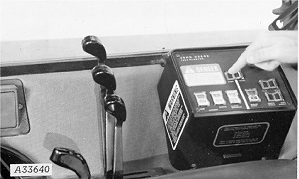
The markers will raise and lower alternately each time the planter is raised and lowered by pressing the AUTO-MAN marker mode switch to AUTO position.
|
With Computer-Trak
With SeedStar
|
|
|
720016ROM,OI,J -19-24SEP92-1/4
|
|
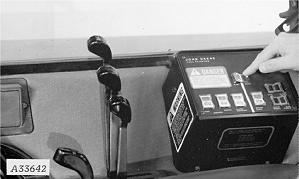
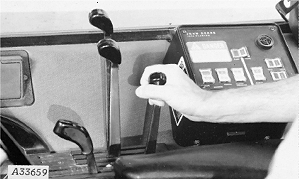
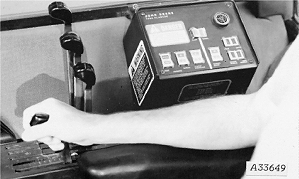
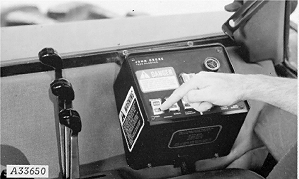
To raise the marker over an obstruction in the field while planting, press the PLANT-TRANS switch to TRANS and pull the number 1 remote cylinder operating lever rearward.
|
|
|
|
720016ROM,OI,J -19-24SEP92-2/4
|
|
To lower the marker, push the number 1 remote cylinder operating lever forward. Press the PLANT-TRANS switch to PLANT.
|
|
|
|
720016ROM,OI,J -19-24SEP92-3/4
|
|
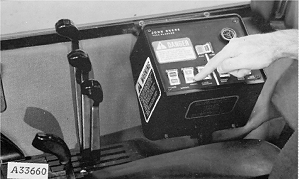
To lower the same marker each time the planter is lowered for planting, press the AUTO-MAN marker switch to MAN and press the R-L marker manual switch to the desired marker.
|
|
|
|
720016ROM,OI,J -19-24SEP92-4/4
|
|