Setting Switch Cams for Master Cylinder Switches
|
|
|
|
|
720016ROM,TS,Q -19-24SEP92-1/3 |
|
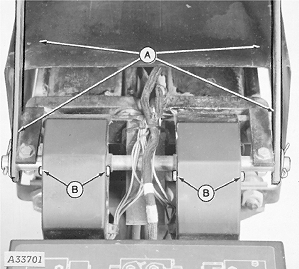
1. Lift straps and raise the master cylinder cover (A). 2. Loosen screws and remove cover (B) from master cylinder switch affected. |
|
720016ROM,TS,Q -19-24SEP92-2/3 |
|
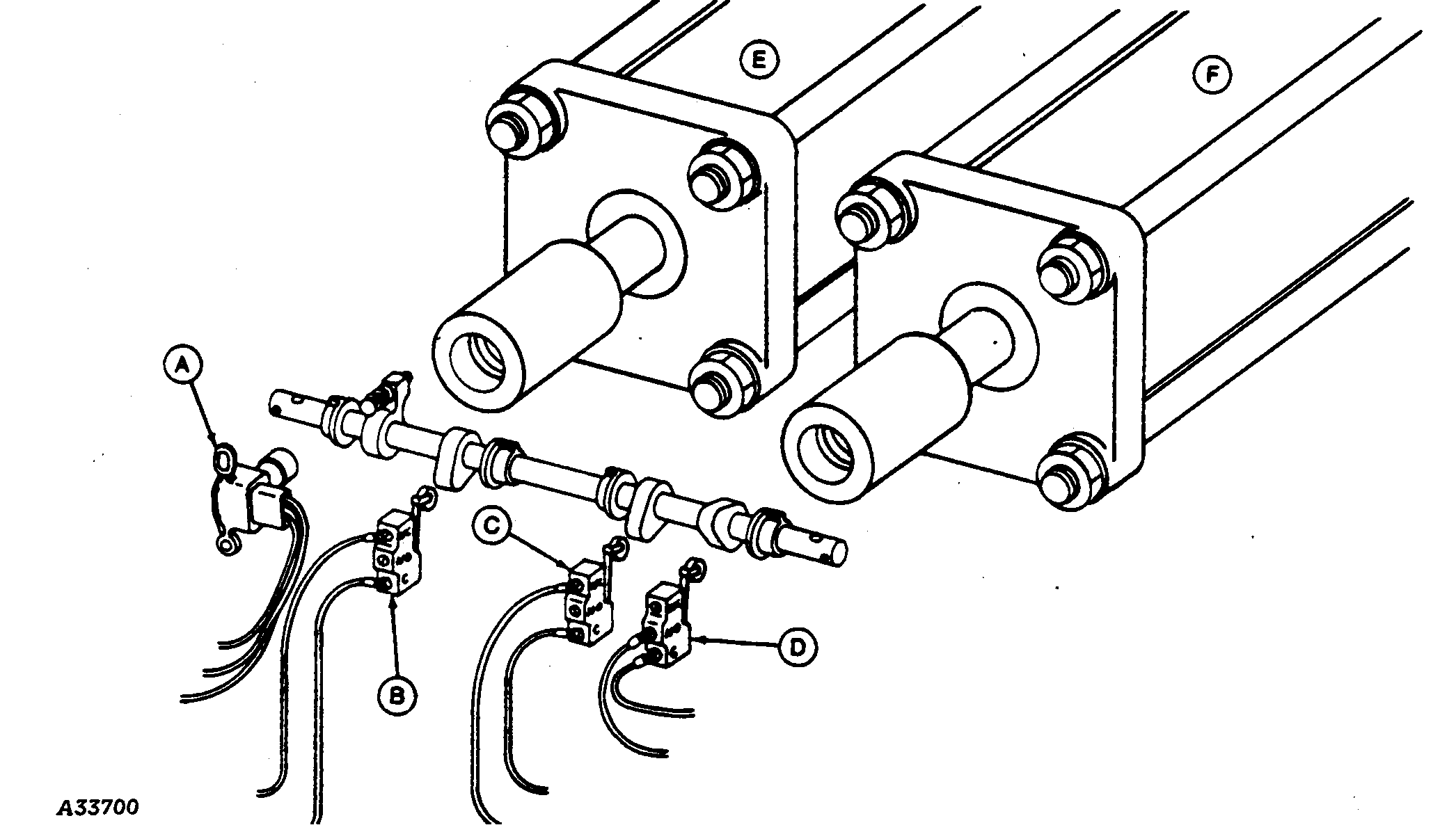
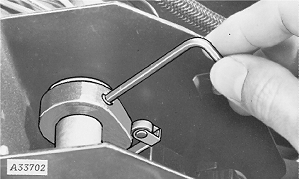
3. Loosen set screw and adjust the cam as described in "Adjusting 'L' Switch", "Adjusting 'J' Switch" and "Adjusting 'K' Switch" section. |
|
720016ROM,TS,Q -19-24SEP92-3/3 |