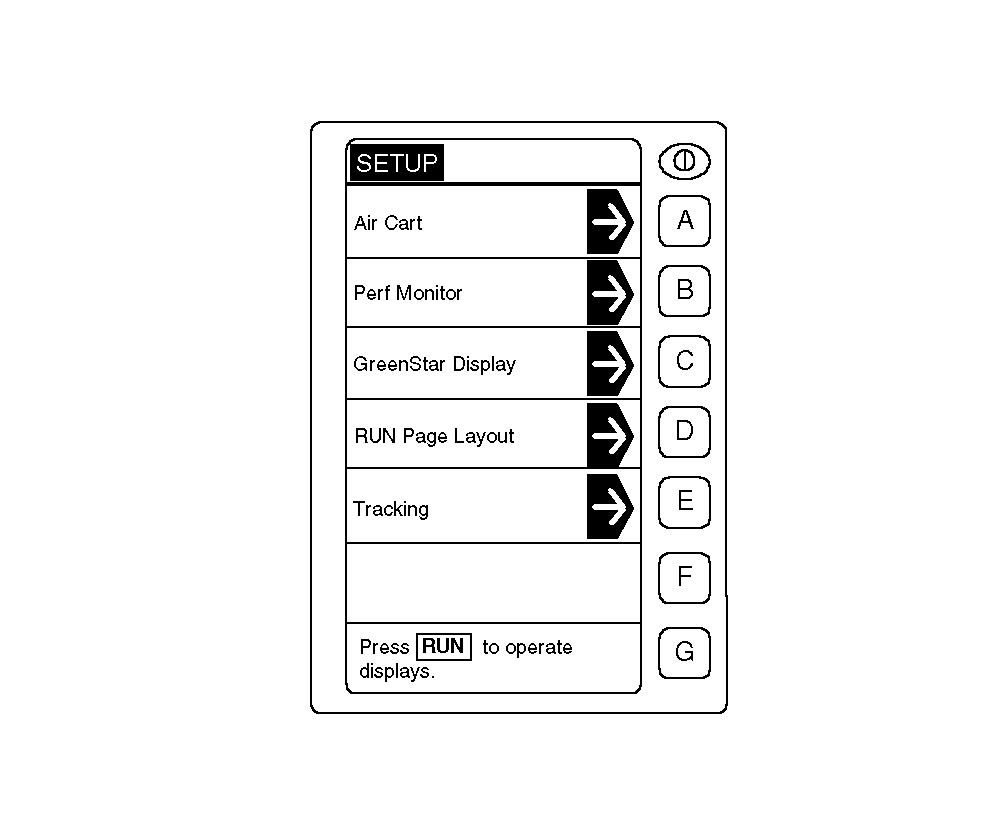
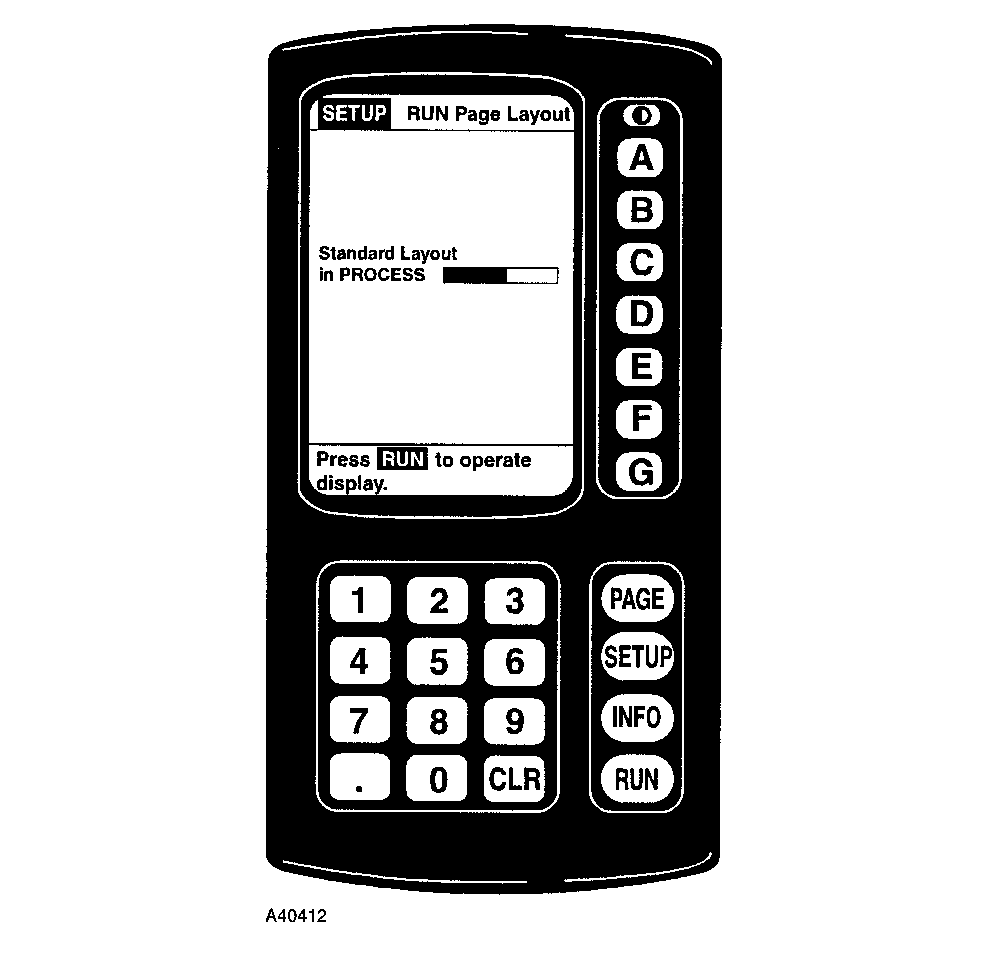
Set-Up Mode-Run Page LayoutRUN Page(s) Layout should be done at the end of set-up and when changes are made or options connected and system requests page layout. Page Layout identifies standard and optional controllers connected to the system, and adds their configuration information to the "RUN" pages. When all set-up entries have been made, depress RUN Page Layout key to refresh RUN screen(s) with new (changed) settings or information. Select Standard Layout when it appears on the screen. Screen will show "Layout in Process" and "Complete" when done. |
|
AG,OUO6023,1095 -19-21JUL00-1/1 |