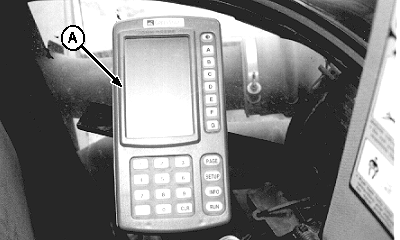
Tank Filling Indicator Lights1. GREENSTAR ™ console (A) does not need to be set in any particular mode for tank filling indicator lights to display. Tank filling lights display regardless of console's current mode (SET-UP, RUN or INFO).
|
|
|
GREENSTAR is a trademark of Deere & Company. | AG,OUO6023,1171 -19-21JUL00-1/2 |
|
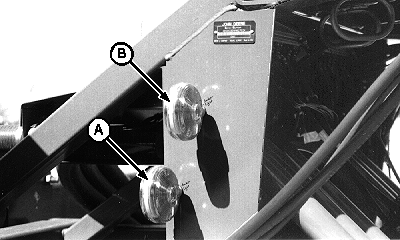
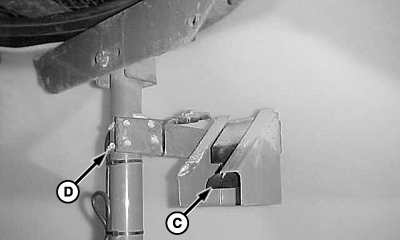
NOTE: Amber indicator lights are dual purpose. In any display mode, they indicate tank filling status as described below. In RUN mode, lights indicate fan speed, as described in the Air System section. Fan speed indicator lights are a set-up feature, not an operational display. 2. Filling status of either front or rear tank is indicated by lower (A) and upper (B) lights. When all in-tank level sensors (C) are covered with product, the upper and lower lights alternately flash to indicate the tank is full. Lights will stop flashing if:
NOTE: Product level is also indicated on the tractor-mounted display console. NOTE: Top sensor may be lowered to allow the top sensor to trip earlier when using mesh basket. To lower bracket and sensor assembly, loosen U-bolts (D). |
|
AG,OUO6023,1171 -19-21JUL00-2/2 |