Setting Fan Speed-Tractor With In-Cab SCV Controls
|
|
|
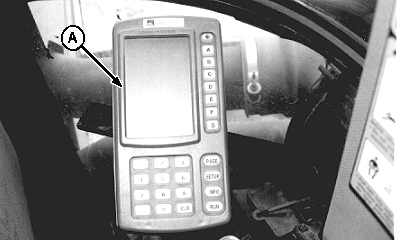
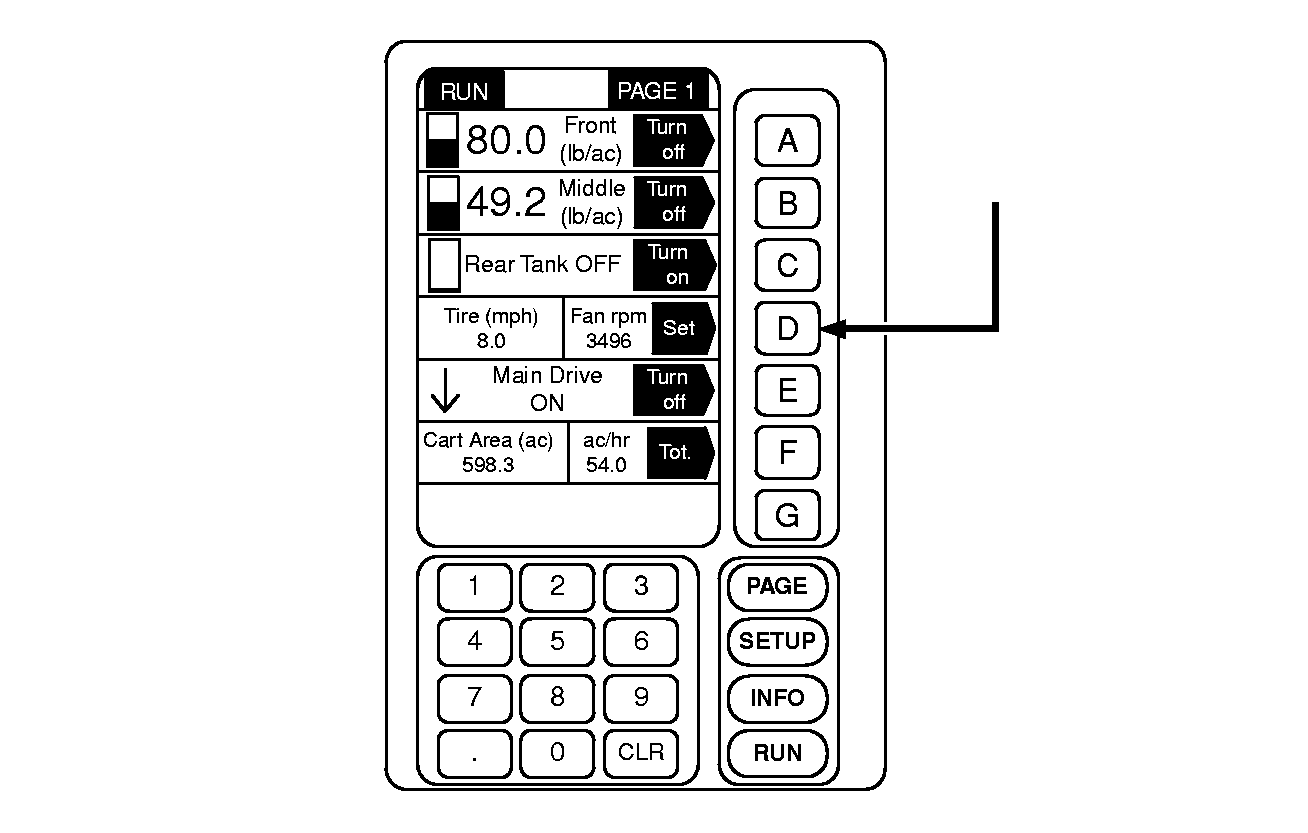
IMPORTANT: Prior to setting fan speed, allow tractor hydraulic oil to warm up to operating temperature. Cold oil will cause slower fan speeds. Motor case drain hose must be connected before running fan, or motor shaft seal will fail within 30 seconds. 1. Put display console (A) in "RUN" mode, and locate Fan (rpm) display and set key. |
2. Depress Fan (rpm) "SET" key. NOTE: Refer to Operating the Machine-Air System section. 3. Enter target fan speed (rpm). DO NOT exceed 5000 rpm maximum fan speed. |
AG,OUO6023,1111 -19-21JUL00-1/3 |
|
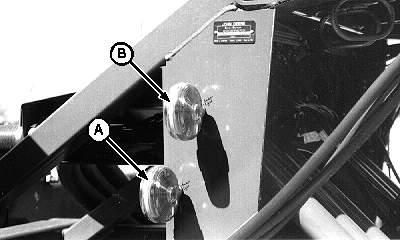
4. Fan speed indicator lights (A and B) can be observed while setting fan speed. Lower light (A) is on when fan first starts turning and actual speed is below target speed by more than 5 percent. When both lights shine steady, fan is turning at target speed (+/- 5%) entered in the display console. Top light (B) comes on and bottom light (A) goes off when target speed has been exceeded by more than 5 percent. Most accurate setting will be realized by observing the display console's fan speed readout. |
|
AG,OUO6023,1111 -19-21JUL00-2/3 |
|
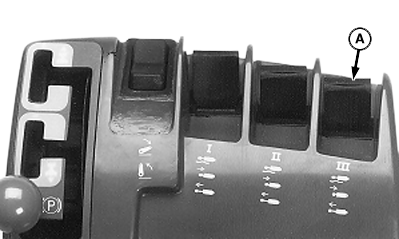
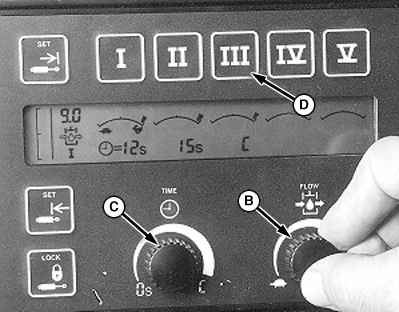
5. Pull back SCV control (A) to open return line; then push forward until held by detent. 6. Press button (D) to adjust fan speed. 7. Turn time detent knob (C) until display reads CONSTANT. IMPORTANT: Do not exceed 5000 rpm maximum fan speed. NOTE: Using excessive fan speed (RPM) will damage seed, increase wear on system and blast seed out of the seed bed. Inadequate air velocity will result in plugged lines. 8. While observing fan rpm on display console, turn flow control knob (B) until desired fan speed is shown.
|
|
AG,OUO6023,1111 -19-21JUL00-3/3 |