How to Use Liquid Fertilizer Rate Charts
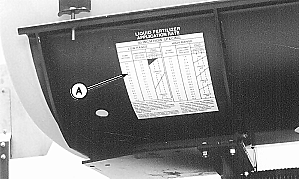
IMPORTANT: A field check must be done to verify the application rate. Refer to CHECKING FERTILIZER RATES in this section. This system is NOT recommended for use with suspension fertilizers. NOTE: Unit mounted DOUBLE disk and frame mounted fertilizer attachments come equipped with No. 43 orifices installed. No. 59 orifices are also provided. Other sizes must be purchased through service parts (No. 31 orifice, No. 47 orifice, No. 78 orifice and No. 95 orifice). See your John Deere dealer. Application rates are affected by many factors, such as wheel slippage, tire pressure and material used. Therefore, this chart should be used only as a guide. 1. Refer to rate charts (A) and select approximate rate of gallons per acre desired for row width being planted. 2. Pump range is given at top of Liquid Fertilizer Application Rate chart. 3. Set range of pump drive. 4. Next to approximate rate of gallons per acre selected, note pump setting, travel speed, nozzle number and orifice number. 5. Adjust pump to pump setting number. 6. Install orifice or nozzle as recommended.
|
|
AG,OUO6074,1330 -19-04AUG00-1/2 |
|
|
|||||||||||||||
AG,OUO6074,1330 -19-04AUG00-2/2 |