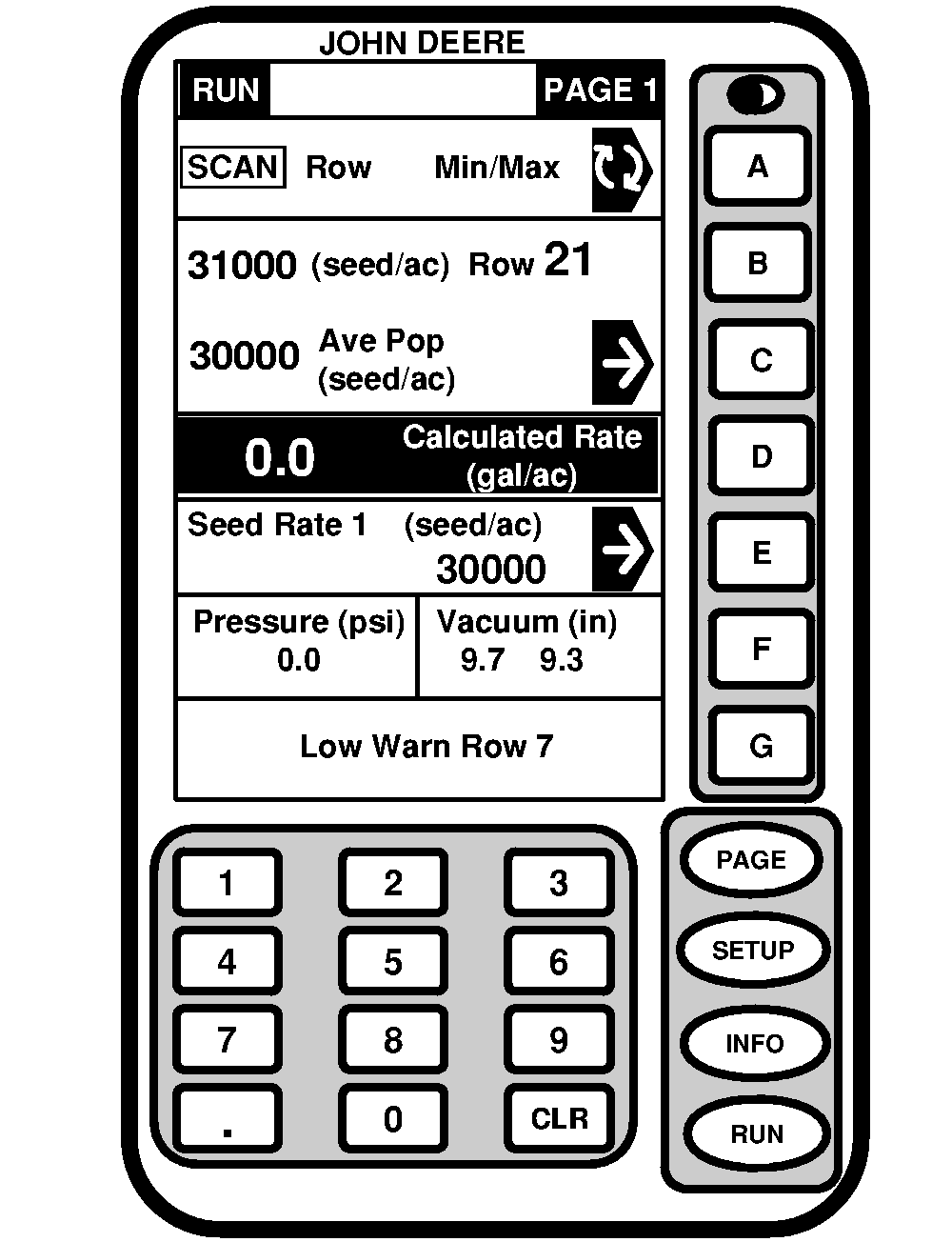
Setting Vacuum LevelIMPORTANT: For some very small or large seed sizes and shapes, it may be necessary to adjust vacuum levels up or down slightly from settings shown. Always verify vacuum level with field check. The charts provided in this section are intended to be used as a guide and are accurate in most conditions. Some situations may warrant a higher or lower vacuum setting. Vacuum level is indicated on vacuum gauge or on SEEDSTAR ™ monitor if equipped.
Gauge indicator should point to vacuum level listed above, AT PLANTING SPEED. NOTE: The vacuum level will be slightly lower during tractor and pump start-up. Set vacuum level as follows: 1. (7000, 8000 and 9000 Series Tractors) Push SCV lever to forward detent position to start blower. Let oil warm up for 15 minutes.(55-60 Series Tractors) Pull lever back against rubber stop. Let oil warm up for 15 minutes. |
|
|||||||||||||||||||||||||||
|
SEEDSTAR is a trademark of Deere & Company | OUO6074,0000055 -19-14SEP00-1/2 |
|
2.
To fill row unit hoppers with seed, lower machine to turn on CCS fan and allow row unit hoppers to fill to operating level. This should take under 30 seconds.
3. With machine lowered in plant position, drive tractor forward approximately 5 m (15 ft) to fill seed cells. IMPORTANT: The hydraulic hook-up procedure will determine whether the tractor flow control valve or planter flow control valve will be used to control vacuum level. See specific vacuum hook-ups in Attaching Machine section. 4. When traveling at desired planting speed, adjust vacuum meter flow control valve until vacuum-gauge indicator points to vacuum level listed on Vacuum Level Chart. |
OUO6074,0000055 -19-14SEP00-2/2 |