60-70 Series Four-Wheel Drive Tractors—Console Installation
-
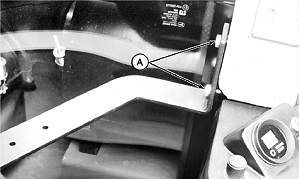
A35517-UN-14APR93A - Cap Screws
Install bracket to inside of cab (Right-hand front near window) using two M10 x 25 cap screws (A). -
Attach monitor to bracket making certain to install rubber washer on top of strap at mounting.
-
NOTE: Early 60 Series 4WD have 2-pin convenience outlet Order (AA37254) to convert to 3-pin convenience outlet.
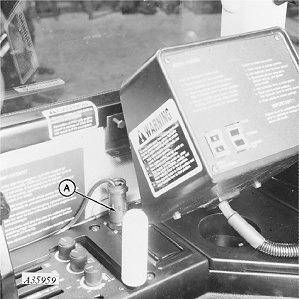
A35959-UN-09AUG93A - Monitor
Connect monitor (A) to 3-pin convenience outlet. -
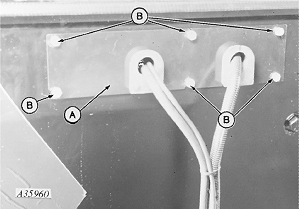
A35960-UN-09AUG93A - Plate
B - Screws
Install two grommets into plate (A), making certain plate openings are DOWN. -
Attach plate (A) to tractor cab with six 5/16 x 7/8 in. screws (B).
-
Route harness under cab. DO NOT let excess harness hang loose.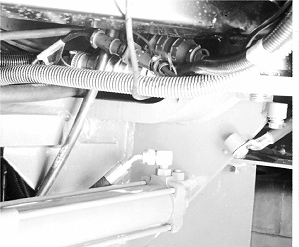
A35510-UN-11MAR93 -
Connect extension harness to harness from cab. Fasten connectors under right-hand rear corner of cab with nylon ties as required.
-
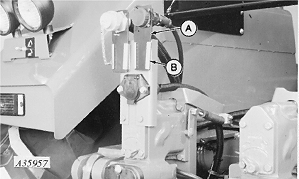
A35957-UN-09AUG93A - Mounting Spade
B - Bracket
Install harness connector mounting spade (A) into socket bracket (B). -
Route extension harness down center of rear axle assembly toward rear wall of cab. Fasten harness with nylon ties as required.
|
AG,OUO1074,857-19-20000301 |