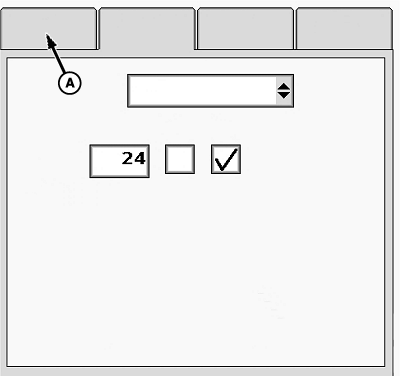
Check Current Configuration1. Select Menu >> Planter button >> Configure softkey.IMPORTANT: A Drive Source change resets all planter settings to default values. Always configure Drive Source before planter settings are entered. 2. Select each tab (A) and verify planter configuration before operation to minimize down time. Frame Tab and Sensor Tab are always visible. VRD Tab only appears when Variable Rate Drive Source is selected.
|
|


OUO6074,0000F7D -19-03OCT07-1/1 |