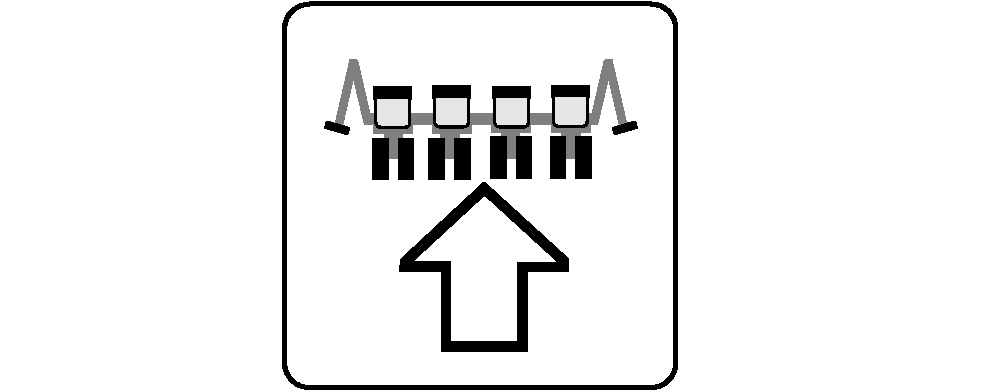
Configure Frame, Split Row, and Drive Disconnect Warning1. Select Menu >> Planter button >> Configuration softkey >> Frame tab.2. Select Rows input box. Enter total number of rows on machine. 3. Select Row Spacing input box. Enter distance between each row unit. 4. Planter Width is automatically calculated. To manually change width, select input box and enter a value. 5. Select Clutch Disconnect Warning check box to enable or disable the partial width alarm. When enabled, a full page warning displays for five seconds whenever a clutch is disengaged. A message is displayed on Message Center softkey and monitor beeps every 15 seconds as a reminder. NOTE: When split row option is chosen, the number of rows, row spacing, and machine width are automatically calculated for monitoring purposes. Split row settings are displayed to the right of input boxes. 6. If machine is a split row design, select Split Row check box. This must remain active at all times on split row machines. To toggle between wide and narrow rows when planting, perform the following: 7. Select Rates softkey. 8. If planter is a split row machine, select Rows Planting check box to change between split rows and all rows.
|
|


OUO6074,0000F80 -19-02APR07-1/2 |
|
|
OUO6074,0000F80 -19-02APR07-2/2 |