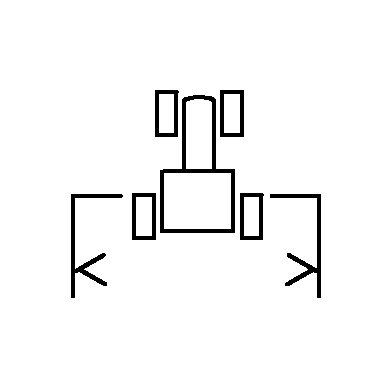
Set Implement Width in Performance MonitorThe performance monitor screen tracks separate data points than the planter screen, but still requires an implement width. 1. Select Menu >> Performance Monitor button >> Settings softkey.2. Select Implement Width input box. 3. Input the machine width in meter (feet) increments. 4. Select Enter . |
|


OUO6074,0000FAA -19-08OCT07-1/1 |