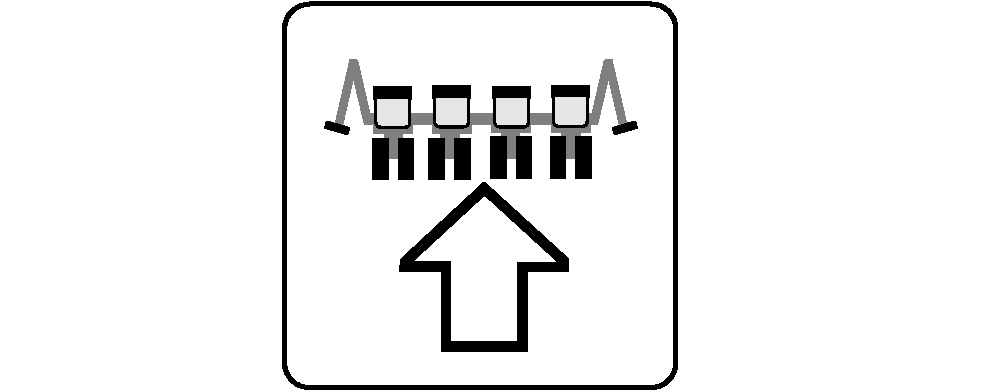
Calibrate Common Start and Stop HeightUse this procedure to set a single point to start and stop VRD motors as the machine raises and lowers. Common start/stop points are generally used when machine is equipped with parallel-arm height switches. Machines with a frame height sensor use separate start/stop points. 1. Select Menu >> Planter button >> Configure softkey >> Sensor tab.2. Select Height from drop down box. 3. Completely raise machine in field raised position. 4. Select Planter Raised button. Select Enter button. 5. Lower machine completely while driving forward under seeding conditions. 6. Select Planter Lowered button. Select Enter button. 7. Select Start/Stop button. IMPORTANT: Start/stop point must be manually set to 50 for integral planters with single action height switches on parallel arms. NOTE: A set point less than 20 is not recommended with frame height sensor. 8. With Frame Height Sensor: From the fully lowered position, raise machine until the desired start/stop point is achieved and select Set Height button. Recommended setting is with openers at soil surface. 9. If setting needs to be adjusted slightly after planting begins, select input box and adjust value in small increments. 10. Select Enter button.
|
|

OUO6074,0000FAF -19-16OCT07-1/2 |
|
|
OUO6074,0000FAF -19-16OCT07-2/2 |