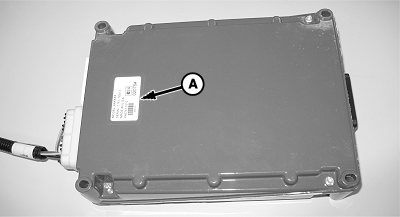
Controller Hardware, Software, and Part Number IdentificationUse this to identify machine controllers for your dealer. Programming changes are only possible through your dealer. There are separate hardware and software versions for the monitor and each control box. Select Menu >> Planter Button >> Diagnostic softkey >> Readings tab. Select Hardware / Software from top drop down box. Select Main or Auxiliary from second drop down box to view data from each controller. Some machines have more than one controller.
|
|
OUO6074,0000FB9 -19-02APR07-1/1 |