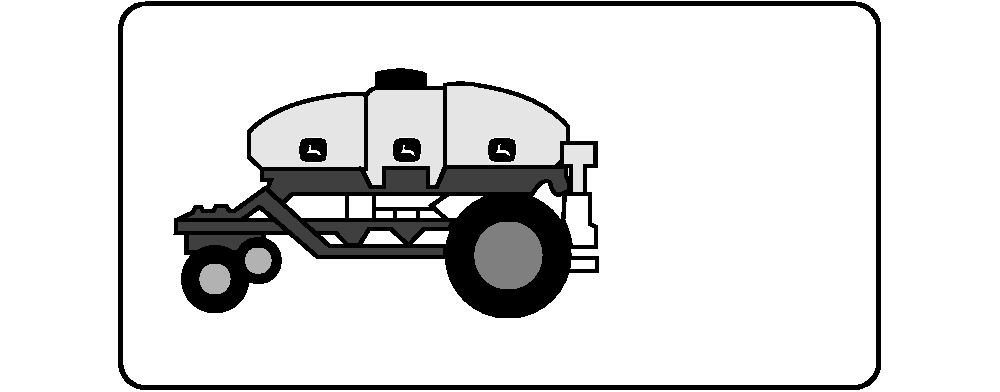
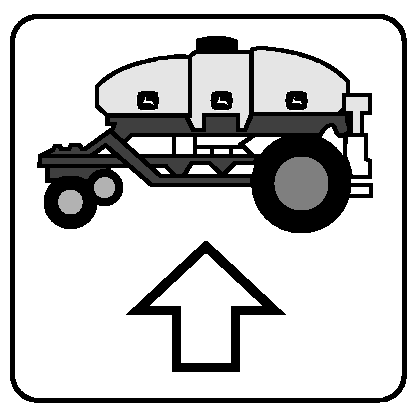
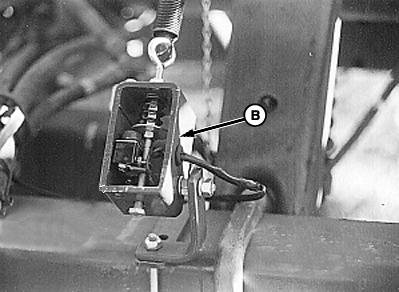
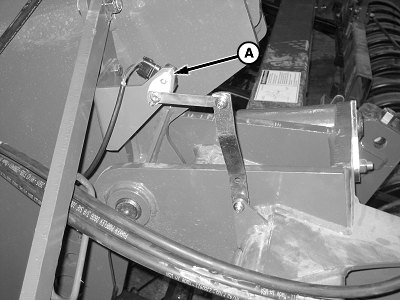
Configure Meter Drive Type and Remote Switch1. Select primary Menu button >> Air Cart button >> Configuration softkey >> Cart tab.2. If cart is equipped with variable rate meters, select Variable Rate check box and mark with a check. 3. If tool is equipped with either a Height Sensor (A) or Implement Switch , select one from Remote Switch (B) drop down box.
|
|

OUO6074,0000FD4 -19-03JUN09-1/1 |