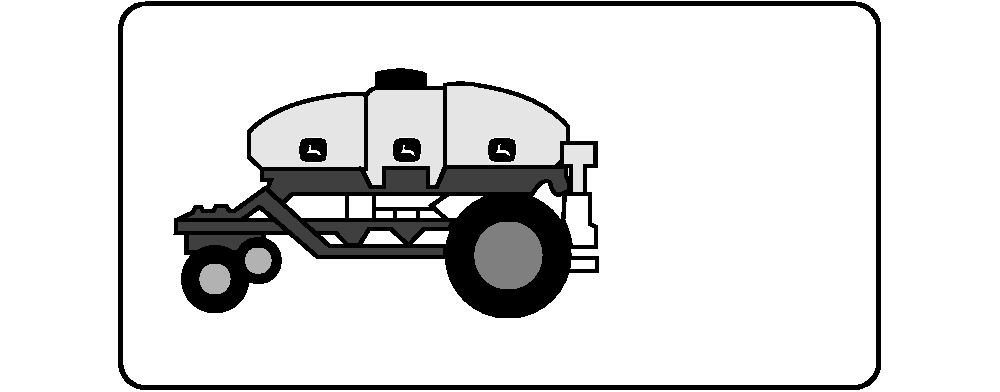
Set Rate and Configure Tank MetersNOTE: Recommended transmission setting appears on bottom of screen for the tank configuration shown. 1. Select primary Menu button >> Air Cart button >> Meter Configuration softkey >> Setup tab. 2. Select Cart Tank Selection drop down box and choose a Front, Middle, or Rear tank. IMPORTANT: System performs best if lightest product is in front tank and heaviest product is in rear tank. NOTE: Product list also shown in PRODUCT SELECTIONS in this section. 3. Select Product drop down box and choose a product for this tank. 4. Select Type drop down box and choose type of product selected (not available for every product). NOTE: If the transmission value ever exceeds 100, either select the meter roller for the next higher rate or deliver the product from two different tanks with a combined rate that equals the target rate. The actual transmission cannot adjust above 100. 5. Select Rate input box and enter the weight per area application rate. NOTE: This option only appears if cart is configured as variable rate during configuration setup. 6. On an air cart equipped with variable rate, it is possible to change the rate on the run screen with the press of a button. Select VR Step input box and set a weight increment value. This value determines how much the rate changes with each press of the variable rate button on the run screen. If zero is entered as the VR Step, the increment changes based on a percentage of the rate. Low rates change in small increments. High rates change in large increments. |
|

OUO6074,0000FDB -19-29MAY09-1/3 |
|
IMPORTANT: Roller color on screen must match roller color in meter. 7. See the recommended roller color in following table. Select the color from Meter Roller Selection drop down. |
| Meter Roller Color | Rate | Common Product |
|---|---|---|
| Yellow | Low 2 - 22 kg/ha (2 - 20 lb./acre) |
Flax, Canola, Alfalfa |
| Black | Medium 22 - 146 kg/ha (20 - 130 lb./acre) |
Seeds up to 6 mm (0.25 in.) diameter Wheat, Barley, Small Soybeans, Fertilizer |
| Green | High 34 - 247 kg/ha (30 - 220 lb./acre) |
Seeds larger than 6 mm (0.25 in.) diameter Soybeans, Fertilizer |
| Blue | Very High 56 - 297 kg/ha (50 - 265 lb./acre) |
Fertilizer up to 291 kg/ha (260 lb./acre) Barley and Oats with beards Garbanzo Beans and very large seeds |
|
8. Once the meter roller, rate, and transmission setting are determined, install the recommended roller color and wear plate in this meter. Refer to the meter cartridge and seeding tool diagrams in the tool operator's manual to determine the meter roller placement and proper number of fine tuning rings required for this tank and meter configuration. See HOW TO CHANGE METER ROLLERS in this manual to configure meter. 9. A meter displacement value (MDV) is displayed at bottom of screen for the configuration selected. To change the MDV, select the Next Screen Button . 10. Select a Previous value used with this meter configuration or select the Standard value for this configuration. For the most accurate displacement value, perform a meter calibration and enter the result in Custom input box. 11. Select Enter to accept changes. 12. Select another remaining tank and repeat entire process.
|
OUO6074,0000FDB -19-29MAY09-2/3 |
|
|
OUO6074,0000FDB -19-29MAY09-3/3 |