Attach and Detach Monitor
 CAUTION:
TS177-UN-11JAN89
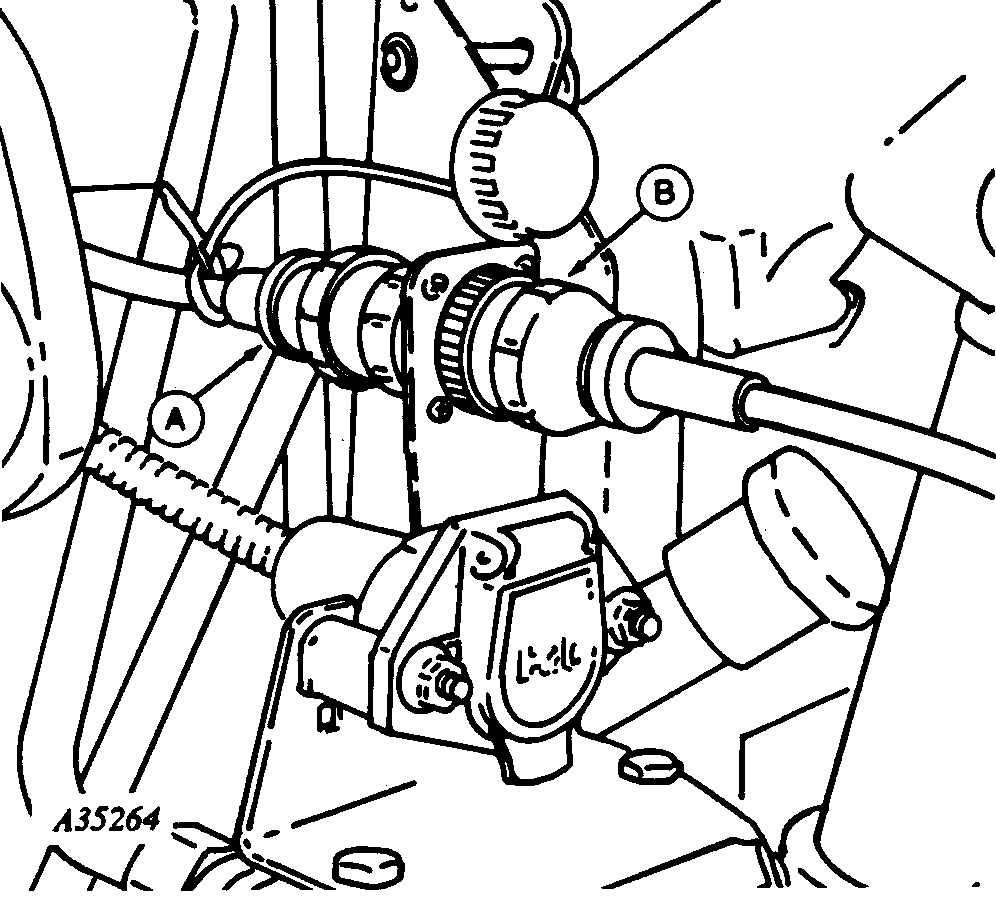
A35264-UN-04MAY93
7000 Series Tractor Illustrated
A - Monitor Connector (Tractor)
B - Monitor Connector (Planter)
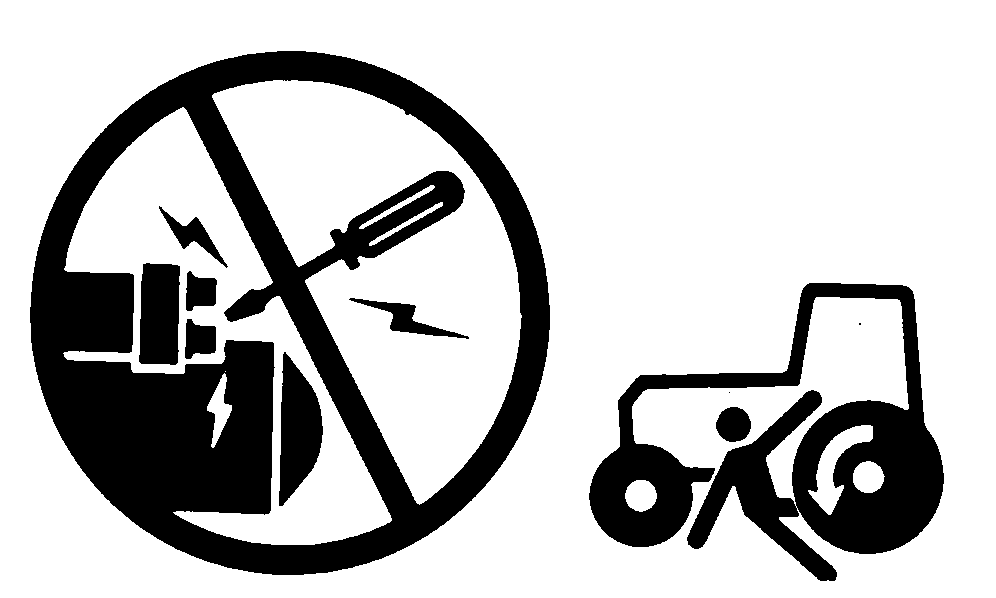
Avoid possible injury or death from machine runaway. Do not start tractor engine by shorting across starter terminals. The tractor can start in gear when normal circuitry is bypassed.Never start tractor engine while standing on the ground. Start engine only from operator’s seat, with transmission in neutral or park.
Do not connect auxiliary equipment to starter terminals or tractor may start in gear and move. Connect wires directly to the tractor battery or as otherwise instructed.
Remove dust covers. Clean connectors with electrical cleaner as needed.
Align the grooves and tabs between connectors. Carefully push monitor connector (B) onto monitor connector (A) and turn collar clockwise.
To detach the monitor harness (B), turn collar counterclockwise and pull straight back.
Install dust covers.
|
AG,OUO1074,812-19-20150716 |