Turn Rows On and Off
-
NOTE: See SPLIT ON-OFF for split row applications.
A49589-UN-03SEP02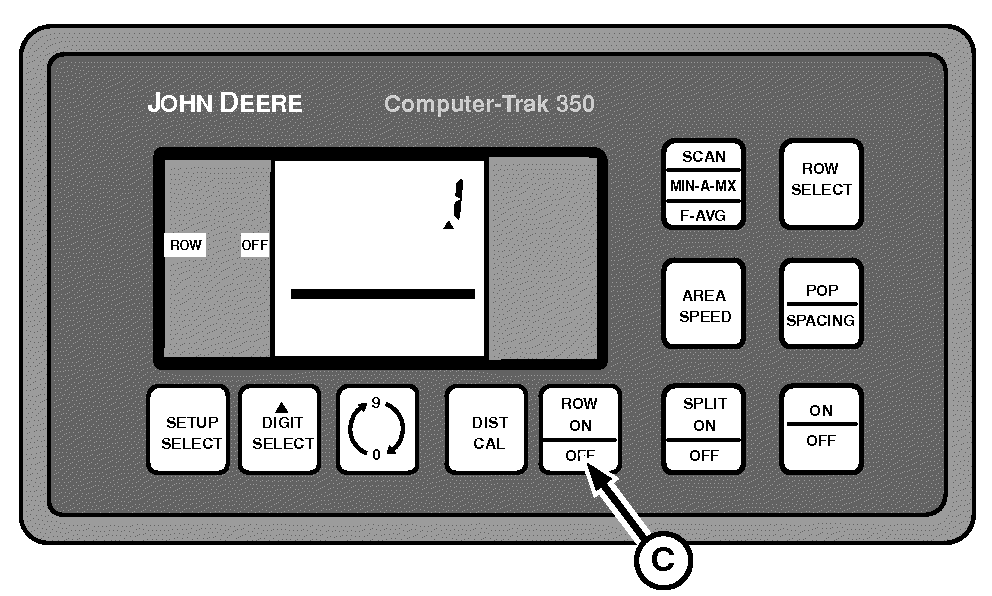
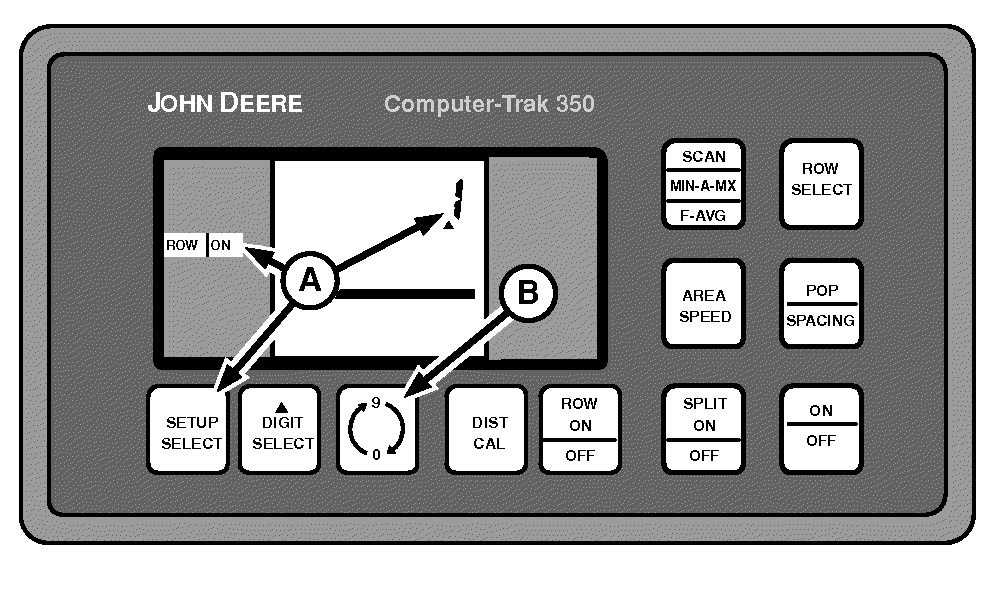
A52070-UN-19MAR03A - SETUP SELECT Switch
B - 0-9 Switch
C - ON-OFF Switch
Press SETUP SELECT switch (A) until the display shows ROW ON or OFF in left-hand column. -
Each time the 0-9 switch (B) is pressed, the next row number is displayed.
-
NOTE: Rows that have been turned OFF remain in memory even if monitor is turned OFF.
Press ROW ON-OFF switch (C) to turn each row on or off, as desired.
Rows that are turned off are not monitored, but are still used in area calculations.
All rows must be ON when planting with every row.
|
OUO6045,00000B6-19-20090310 |