Row Unit Drive Type
-

A59325-UN-19FEB07Menu

A59551-UN-08MAR07Planter Button
A59172-UN-29JAN07Configure Softkey

A59377-UN-23FEB07Settings Button

H85801-UN-14JUN06Enter
Select Menu >> Planter button >> Configure softkey >> Drives tab >> Drive Configuration >> Settings button. -
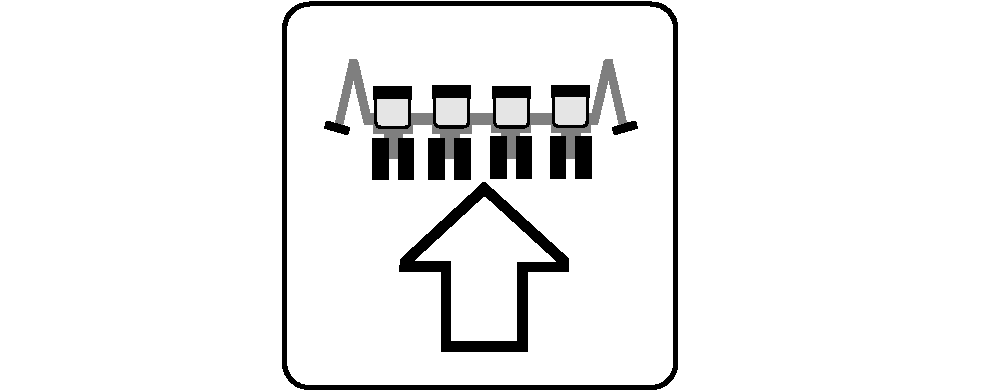
Select Row Unit Type drop down menu and choose type of row unit on planter.
-
To enable QuickStart feature, check the QS Enabled box.
-
When complete select Enter.
Screen Area Information
Planter Configuration - Planter Configuration
Drives - Drives
Drive Source - Drive Source
Meter Type - Meter Type
Row Unit Type - Row Unit Type
QS Enabled - Quick Start
Vacuum - Vacuum
Mechanical - Mechanical
MaxEmerge - MaxEmerge
PRO-SERIES - PRO-SERIES
|
OUO6064,0000497-19-20110429 |