Pair Wireless Hydraulic Conveyance Remote
-
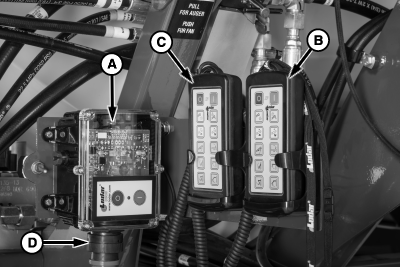
A82224-UN-19JUN14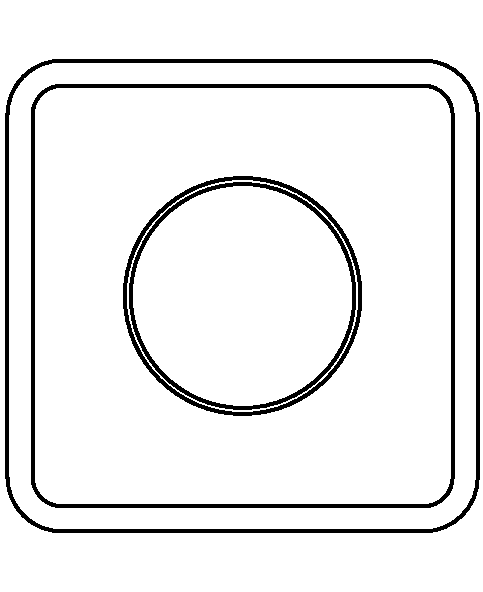
A83896-UN-29OCT14Power Off
A - Receiver
B - Wireless Remote
C - Tethered Remote
Verify that key switch is on, or tractor is running. -
Ensure receiver (A), wireless remote, (B) and tethered remote (C) are off.
-
Press and release the power off button on the wireless remote.
-
Disconnect the electrical connector (D) under the receiver for 10 seconds, and reconnect harness. Fault LED flashes once reconnected.
-
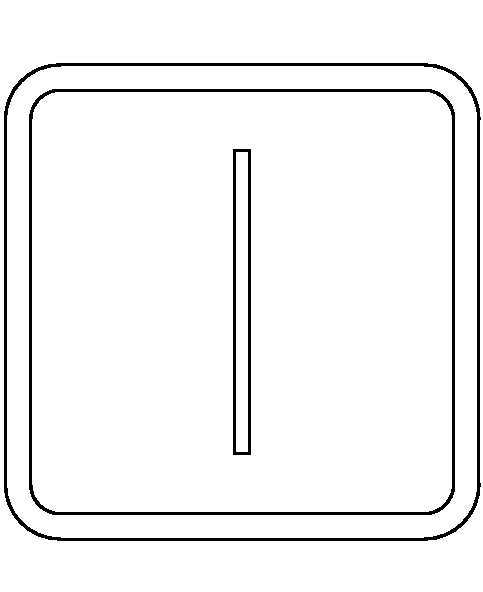
A84039-UN-29OCT14Power On
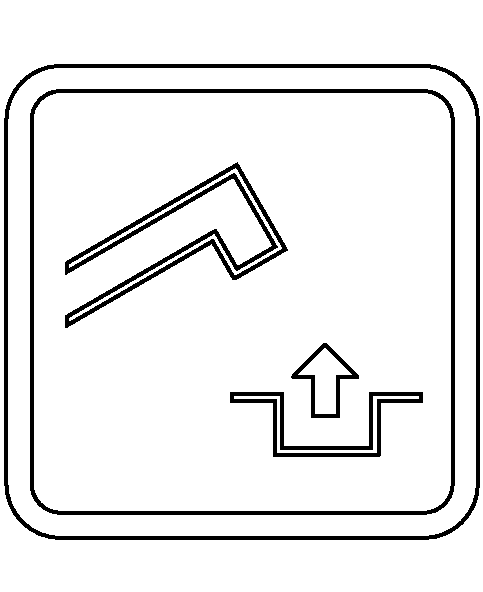
A84050-UN-03NOV14Product Conveyance Off
Press and hold the wireless remote power-on button, and within two seconds also press and hold the conveyance motor off button. -
Continue to hold the wireless remote power-on button and the product conveyance off button for twenty seconds. Fault LED turns off.
-
Turn on hydraulically assisted conveyance system to verify pairing of remote.
|
BB83525,00001B8-19-20150109 |