Check Implement Width in Performance Monitor

A59552-UN-08MAR07
Performance Monitor Button
A59377-UN-23FEB07
Settings Softkey
A59378-UN-22FEB07
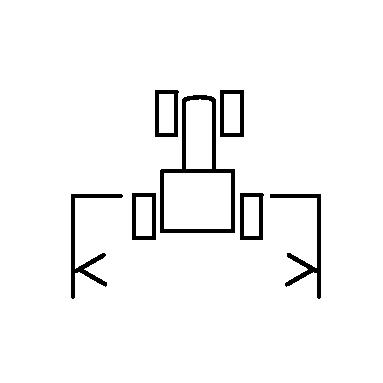
Implement Width
Performance Monitor is a GreenStar 2 display function and is integrated with the SeedStar 2 monitoring system. The implement width is sent to Performance Monitor on startup and cannot be changed as long as the tool is connected to the tractor.IMPORTANT: If implement width is changed in the tool application, (for example when changing from corn to soybeans on a split row planter), cycle power to the display for new settings to take effect.
To view current width in Performance Monitor, select Menu >> Performance Monitor >> Settings softkey.
Implement width appears next to implement width icon.
|
OUO6045,000003D-19-20090529 |