Customization |
|
|

|
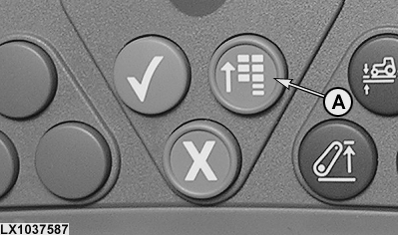
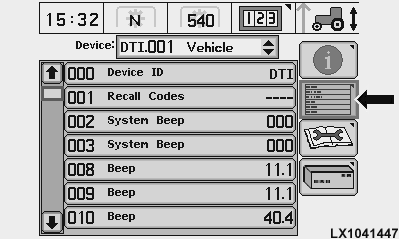
In various addresses the operator can make adjustments to adapt the operation of tractor components to his personal requirements. This is done as follows: Press main menu key (A), select information display cell (B) and then the "Diagnostic Address" screen. Select desired control unit (e.g. ATC, BCU or EPC), select desired address (e.g. 033) and key in the corresponding value (see table below). |
| Address |
Meaning |
Value |
|---|---|---|
| ATC033 |
Temperature indicator |
0 alternating between desired and ambient temperature 255 desired temperature only |
| BCU024 |
Audible indicator for turn signals |
0 audible indicator off 1 audible indicator on |
| BCU165 |
Rate of lift adjustment* |
0 min. rate of lift 255 max. rate of lift |
| EPC167 |
Hand clutch |
0 de-activated 1 activated |
| * this adjustment only takes effect when the three-point hitch is operated by means of the rocker switch | ||
|
OU12401,0001948 -19-11DEC07-1/1 |