How to Access Information
LX1037587-UN-06NOV06
LX1041450-UN-21NOV06
LX1041446-UN-21NOV06
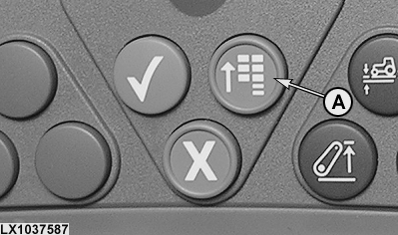
A - Main menu key
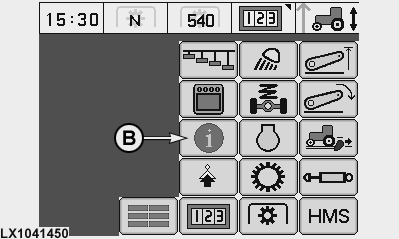
B - Information display cell
Press the main menu key (A) and select the information display
cell (B) on the screen.
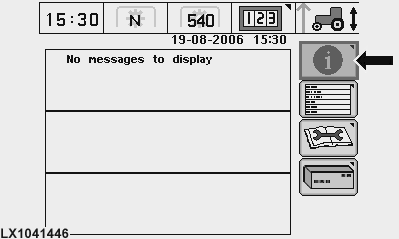
All the warning messages appear on the following screen.
LX1041447-UN-21NOV06
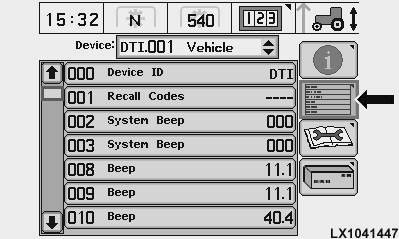
The desired control unit may be selected on the diagnostic address screen, where any “customization”
that is desired may be done.
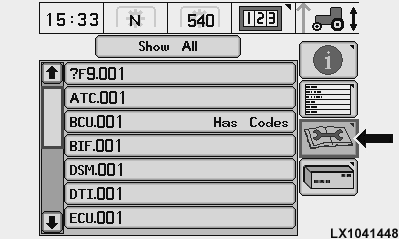
LX1041448-UN-21NOV06
A list of control units appears and control units with diagnostic
trouble codes are displayed on the diagnostic trouble
code screen. This information can be forwarded to the John
Deere dealer to identify problems with the machine.
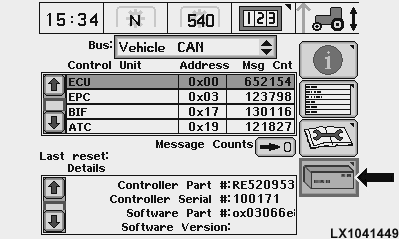
LX1041449-UN-21NOV06
The control units that exchange data via CAN Bus are displayed
on the Control Unit screen. A counter displays
the number of messages of the relevant control unit.
|
|
OU12401,0001580-19-20061119
|
|