Backlight Brightness—Cab Displays
LX1026184-UN-06MAY08
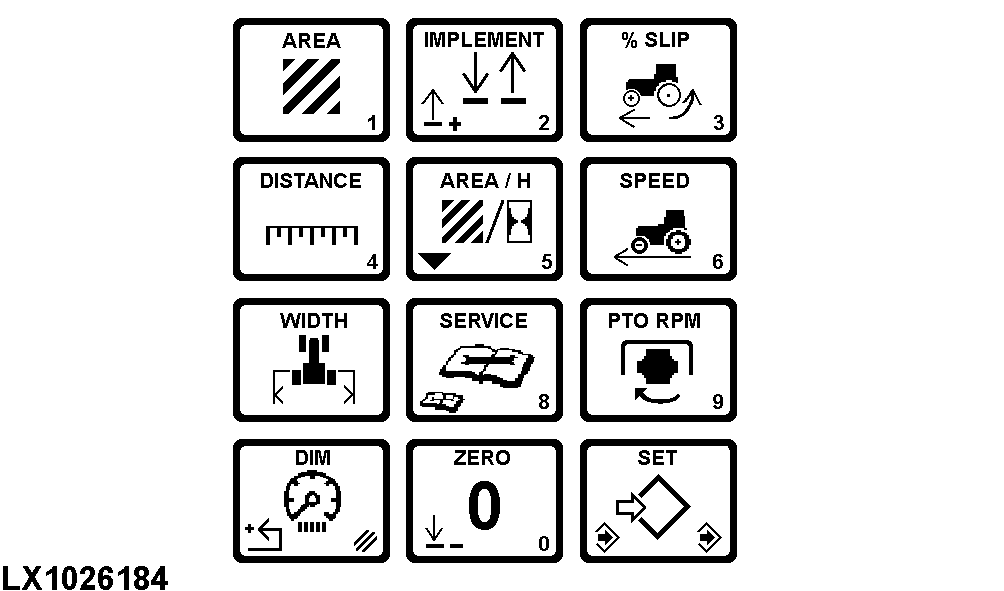
Press (A) once to display system backlight intensity for displays in the cab.
NOTE: Backlight intensity will remain at maximum brightness with headlights in the OFF position.
Headlight switch must be in the “ON” position to make adjustments.
Press (B) to “set” and input a numeric value (0—255).
Press (B) once again to “save”.
|
OU12401,00009BC-19-20020101 |