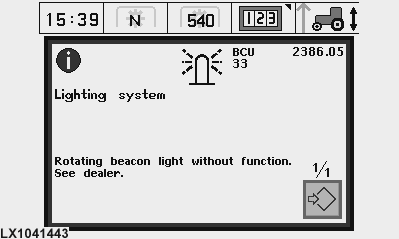
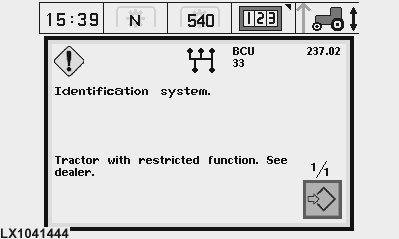
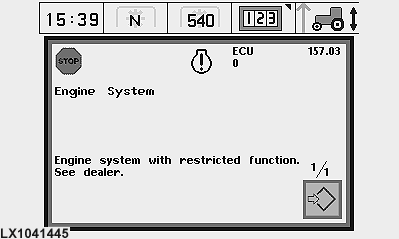
What the Diagnostic Trouble Codes MeanThe tractor's electrical circuits are monitored by a number of different control units. While the tractor is in operation, these control units record data that can subsequently be read out. If a functional fault occurs, a diagnostic trouble code will be generated and stored in the memory. A large proportion of these codes appear before the operator automatically on his digital display (see sample illustrations). In addition, functional faults are indicated on the dashboard by the blue INFO light, the yellow CAUTION light and the red STOP light. Unless the displayed message is self-explanatory (e.g. transmission oil pressure too low: check oil level), you should get in touch with your John Deere dealer and discuss with him how best to proceed. On the following pages you can read how to make all the diagnostic trouble codes appear on the display, even the ones that do not appear automatically. Diagnostic trouble codes are accessed and displayed in different ways depending on how the tractor is equipped. The following methods are possible:
|
|
OU12401,0001B5B -19-10FEB09-1/1 |