CommandQuad™ PLUS — Set Operating Mode
LX1056690-UN-04JUL12
LX266672-UN-16DEC15
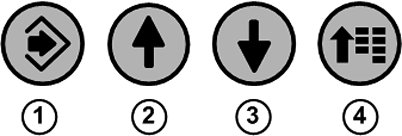
1 - Confirm Button
2 - Up Arrow Button
3 - Down Arrow Button
4 - Menu Button
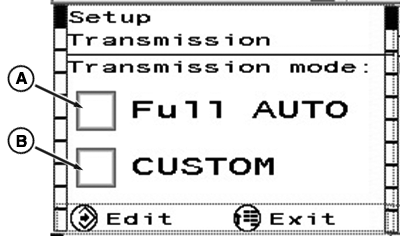
A - Full Auto
B - Custom
To set the relevant operating mode, press menu button (4) repeatedly until the page shown appears. Use arrow buttons (2) or (3) to activate the desired operating mode.
Save selection using confirm button (1).
To exit press menu button (4).
A — Full Auto
In Full
Auto mode, settings are automatically adjusted to suit various operational
conditions.
Engine speed is automatically reduced when there is a slight
load.
Engine Speed Droop is automatically set for use of
full engine torque when the tractor is operated under full load.
NOTE: User defined settings have no effect on the automatic mode.
B — Custom
The operator
can select the limitation of the engine speed, the engine speed droop,
and the expected load.
|
A — Full Auto |
B — Custom |
|---|---|
|
|
|
*Applies only when front and rear PTOs are switched off. When a PTO is on, load-dependent engine speed reduction is inactive, as achieving PTO speed has priority. |
|
|
OULXA64,0003B06-19-20151222 |