Using Float Operation |
|
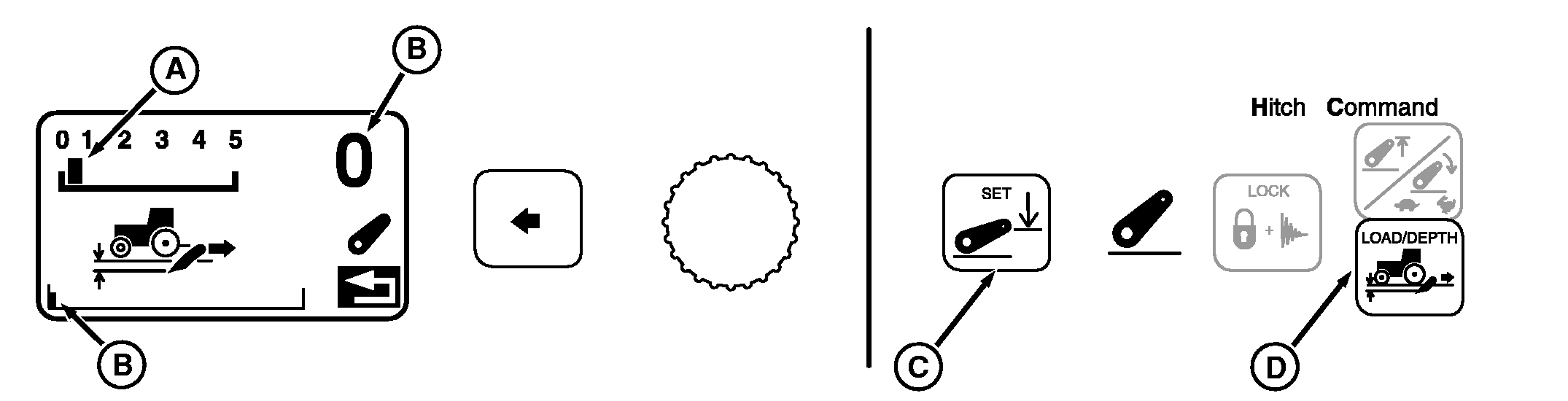
A-Position Setting
B-Full Down Depth Setting
C-Depth SET Switch
D-LOAD/DEPTH Switch
|
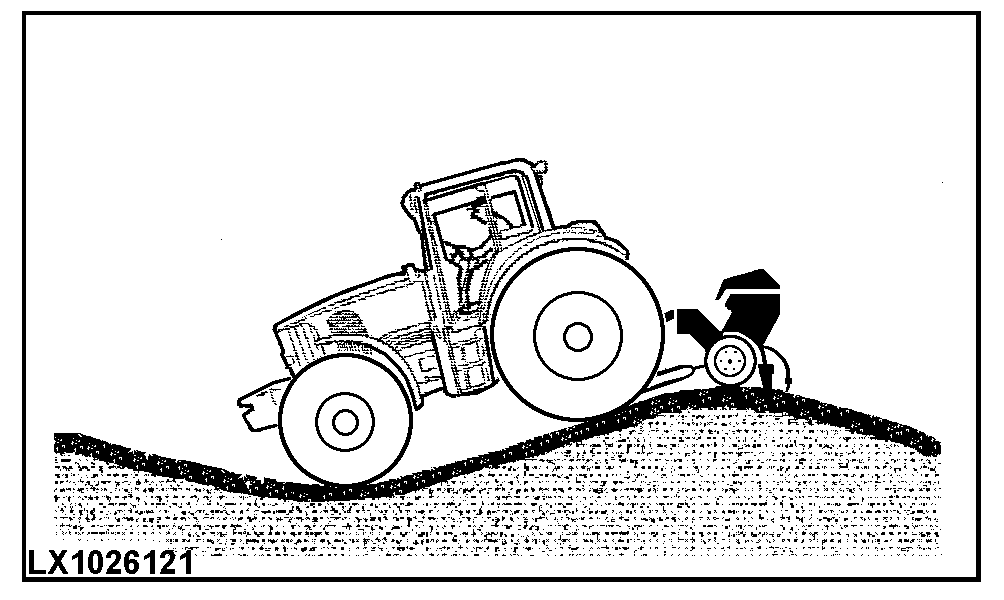
Implements equipped with depth-gauging wheels may require float operation to follow ground contour. Press LOAD/DEPTH switch (D) and observe display. Set load/depth to "position" control (A). Hold hitch lever forward until commanded depth setting shows zero (B), full down. Press set switch (C) to save full down as stored depth setting. NOTE: Lift links can be adjusted for lateral float. (See CHANGING LATERAL FLOAT in this section.) |
|
OUO1011,00053E3 -19-27APR05-1/1 |