Implement Management System (IMS)-Description and Display |
|
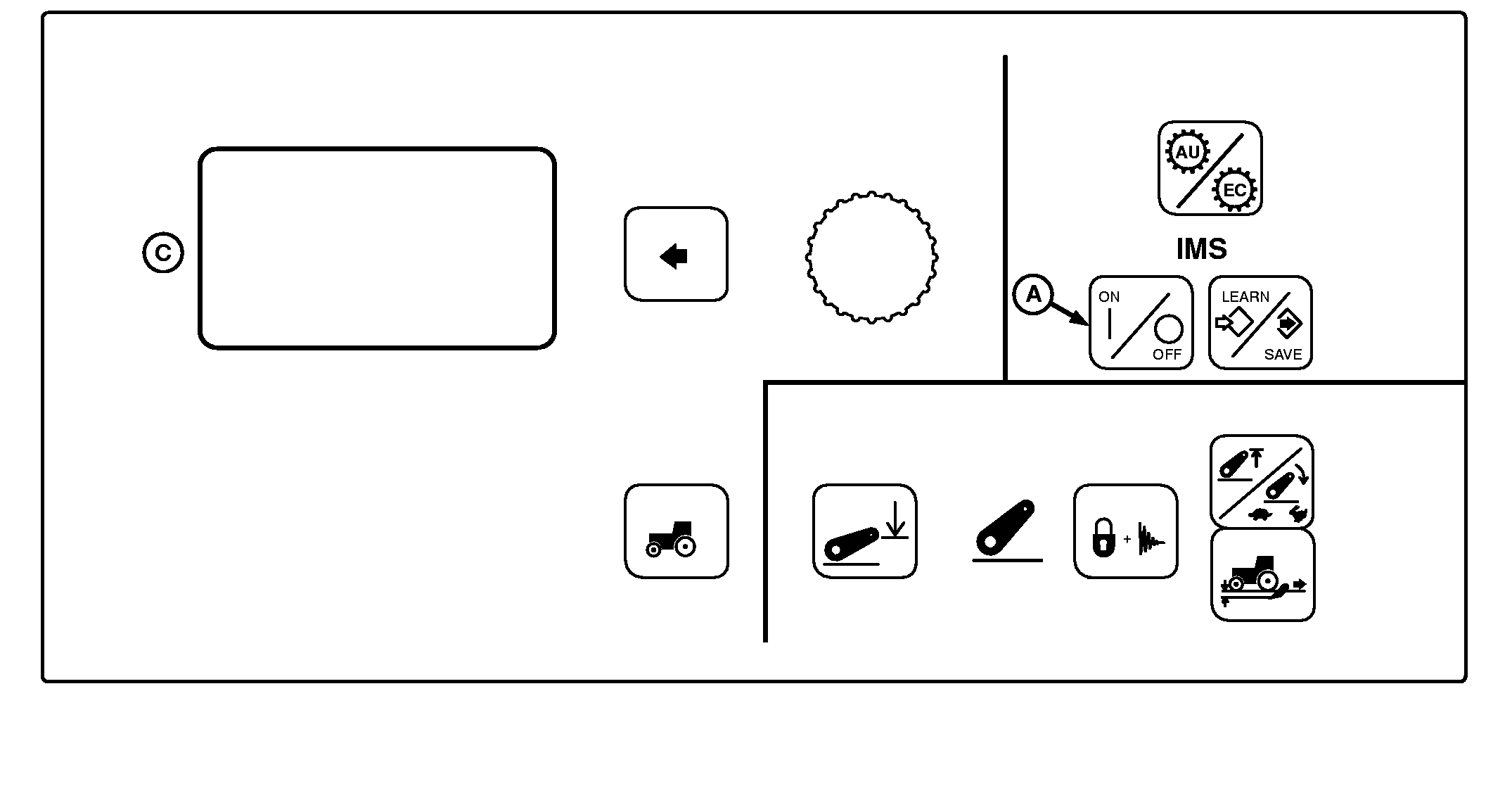
A-IMS On/Off Switch
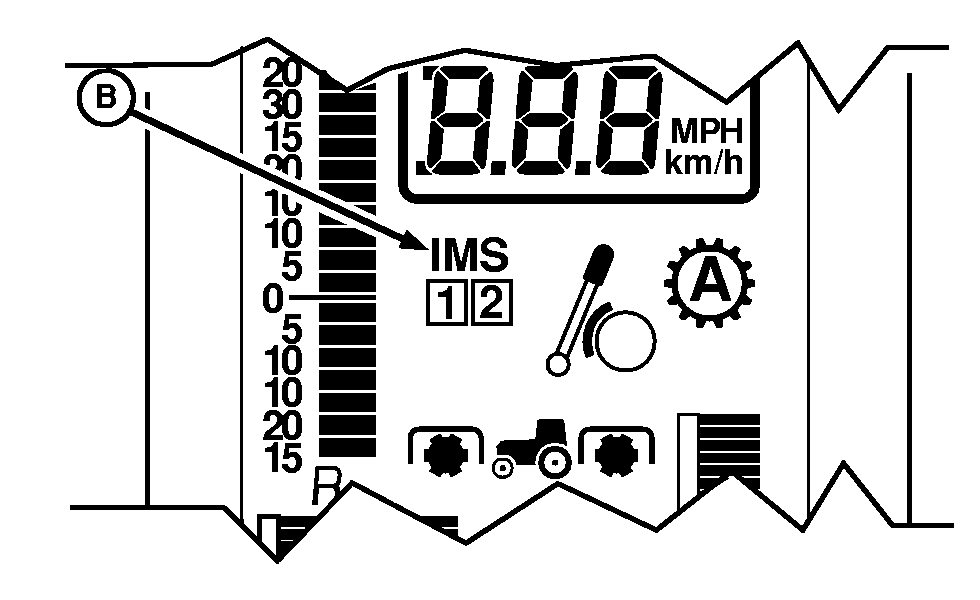
B-IMS Indicator
C-Command Center Display
|
Implement Management System (IMS) allows multiple tasks to be performed with the touch of one switch. IMS has two sequences in which learned functions are stored. A sequence is defined as the start of the first recorded function to completion of last recorded function. NOTE: Tractor must be moving at a speed of at least 0.5 kph (0.31 mph) to program or execute a sequence. Learned sequences will remain stored after engine stops. A sequence is executed according to distance required to perform a series of functions when system is in LEARN mode. A maximum of 20 functions can be learned for each sequence. Learn Mode has a 60 second time limit and will stop recording events when time limit is reached. Press IMS On/Off Switch (A) to Off, then On to view functions programmed in the two sequences. IMS Indicator (B) will display when system is activated. |
|
OU1092A,0000402 -19-16AUG05-1/2 |
LEARNED Functions on Display (C) |
|
NOTE: Not all languages are displayed on CommandCenter. Reference "Selecting Units and Language" in CommandCenter section of this manual for more information on languages that can be displayed. Stored sequences and LEARNED functions can be viewed on Display (C) in the order learned.
|
OU1092A,0000402 -19-16AUG05-2/2 |