Adjusting Load/Depth Control (Draft Response)
|
|
|
|
|
|
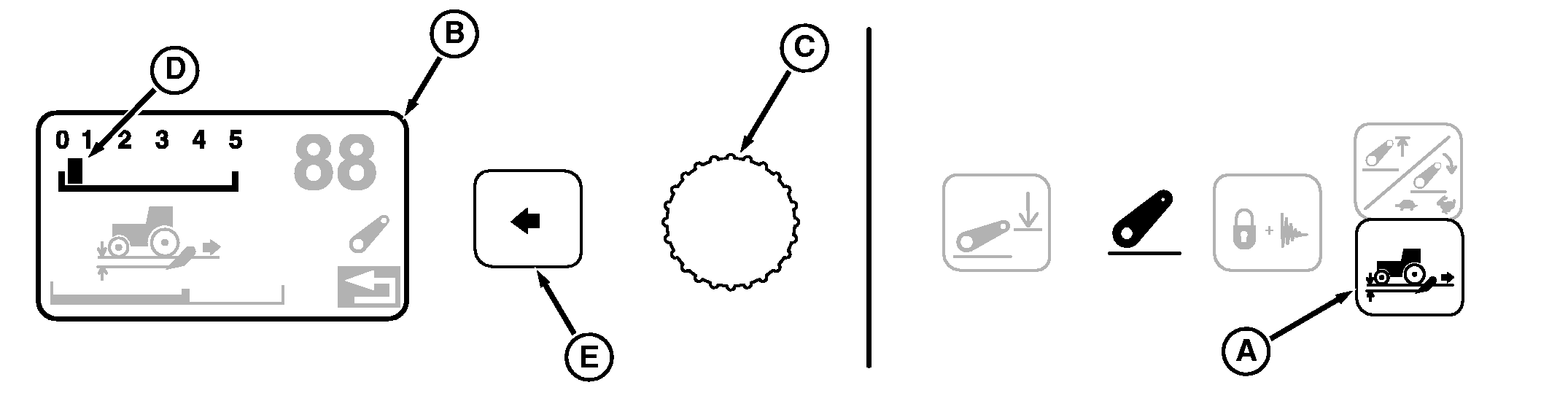
NOTE: Load/depth adjustment changes draft responsiveness only. Initial operating depth is set with hitch lever. Hitch load/depth, draft response is adjusted in the CommandCenter. 1. Press Load/Depth Switch (A) and observe Display (B); current draft response setting appears on numbered scale (D) across the top.2. Turn Command Dial (C) counterclockwise to reduce draft response or clockwise to increase. Changes to response setting take place immediately. |
3. When desired setting is reached, press Select Switch (E) to return to previous display. |
OU1092A,0000407 -19-28JUL05-1/3 |
|
Using Position Control
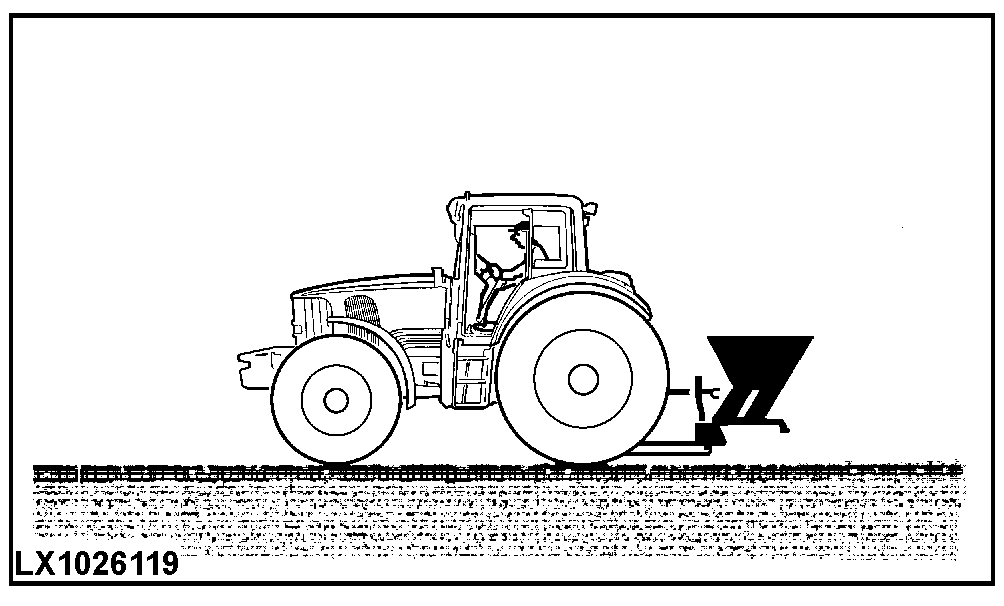
Use position control for operation of non-ground engaging implements and implements equipped with floating gauge wheels. To adjust load/depth for position control, set draft response to zero. |
|
OU1092A,0000407 -19-28JUL05-2/3 |
|
Using Draft Control
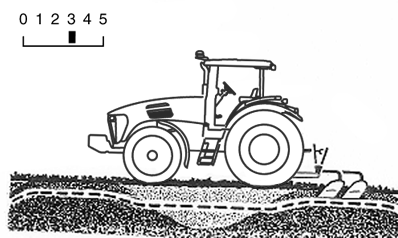
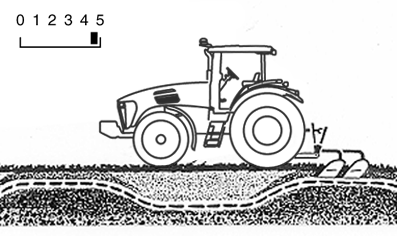
Draft control is engaged by setting load/depth control to any value above zero. Hitch depth will vary automatically, as dictated by ground contour and soil conditions. Set specific value according to type of implement in use. Higher settings are used for draft control Typical draft settings, by implement type, are:
|
|
OU1092A,0000407 -19-28JUL05-3/3 |