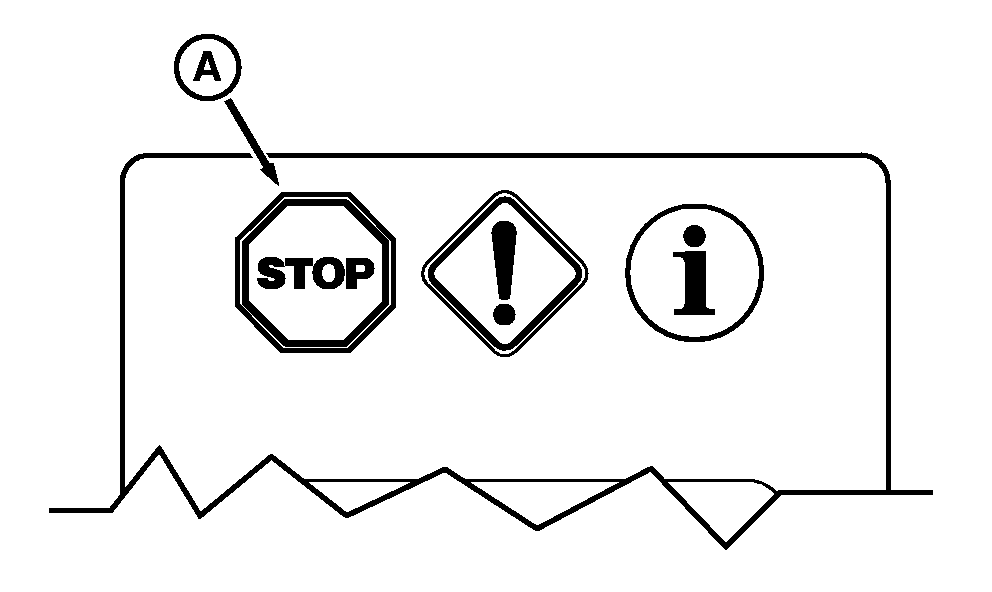
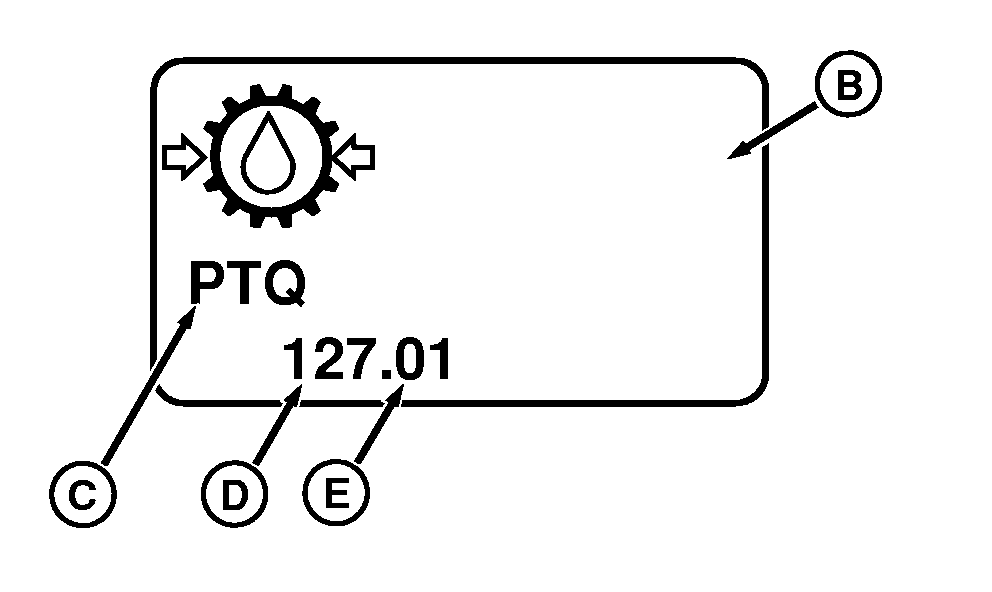
STOP, Service Alert and Information IndicatorsNOTE: Not all languages are displayed on Command Center. Reference "Selecting Units and Language" in Command Center section of this manual for more information on languages that can be displayed. NOTE: All STOP, Service Alert and Information indicators are accompanied by an informative message, shown on the CommandCenter display and a Service code. A-STOP Indicator: Light flashes and alarm sounds continuously to alert operator that a serious malfunction has occurred, which requires immediate attention or the tractor will be damaged. IMPORTANT: Engine shuts down automatically if STOP signal is received when operator is out of the seat for longer than three seconds and the transmission control is in PARK. CommandCenter display can be reset by cycling keyswitch. This is the Auto Shut down feature of the tractor. Immediately stop operations, reduce engine to idle , then shut down engine and turn key "ON" to observe CommandCenter display for problem identification. Correct problem before restarting. When controller detects a malfunction, or a situation "out of range", a service code containing the controller (C) followed by an industry standard number is displayed. Numbers to the left of the decimal indicate the malfunction (D) and number to the right of decimal indicate the condition (E). CommandCenter display (B) will display a text message such as Transmission oil pressure low explaining the malfunction . Reference the service code list in this manual for possible actions an operator can take. Record and give this information to your John Deere dealer, if needed to diagnose the problem. |
|
OUO1011,000536C -19-15AUG05-1/3 |
|
If a code is NOT listed in the service code section of this manual, contact your John Deere dealer. |
OUO1011,000536C -19-15AUG05-2/3 |
|
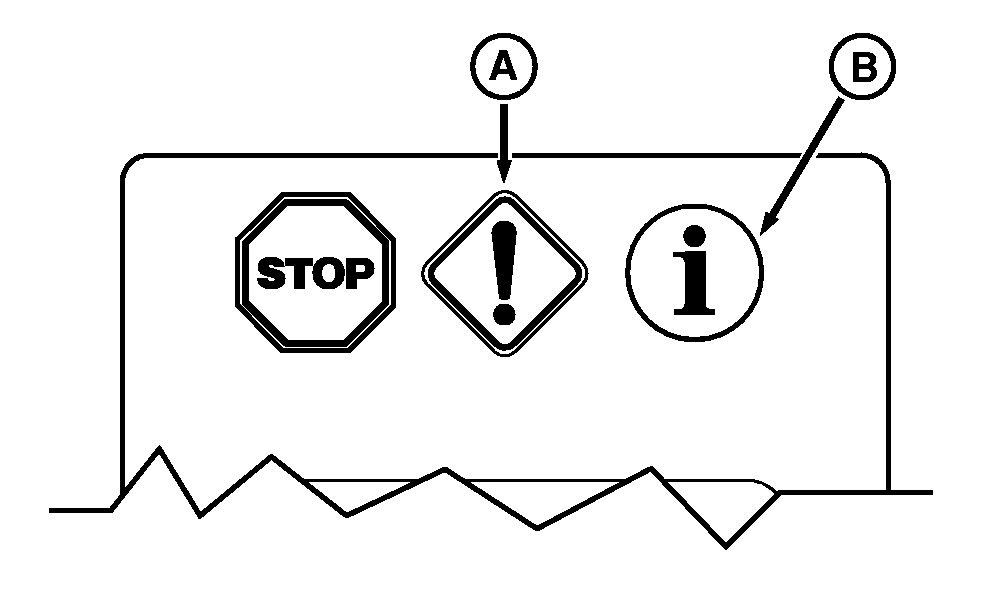
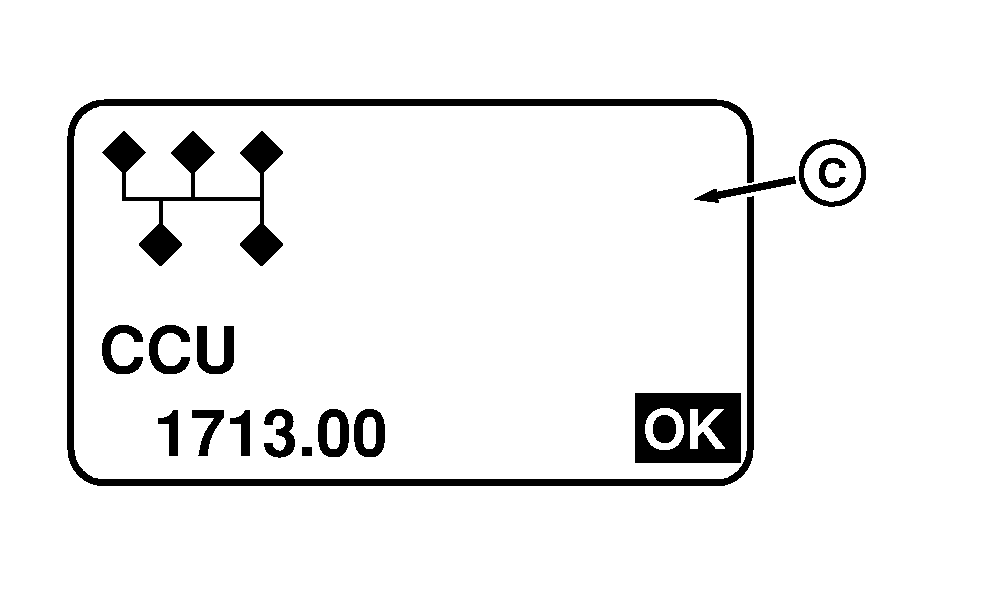
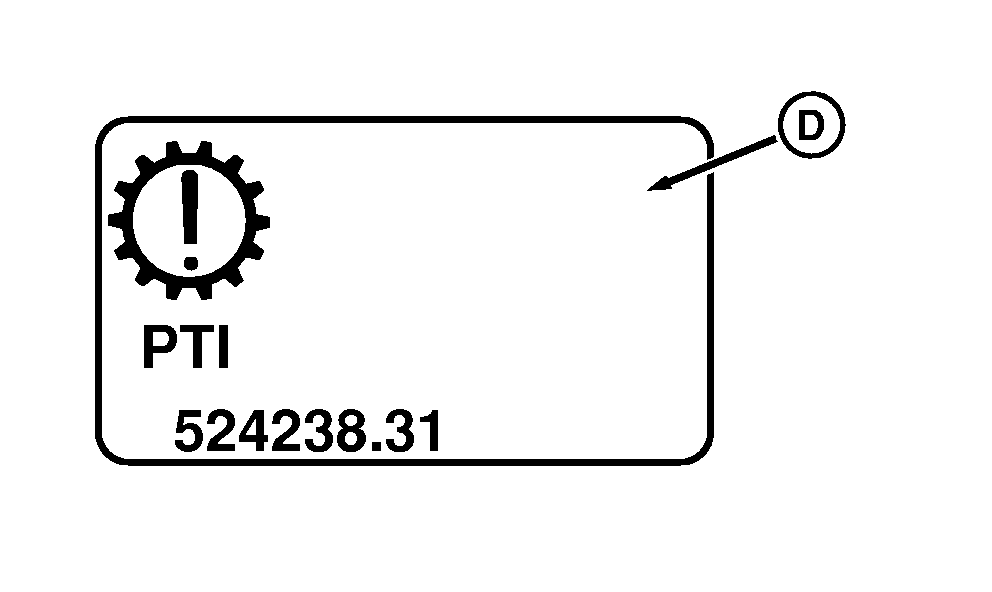
A-Service Alert Indicator: Light flashes and alarm sounds five times to inform operator that a performance or operational problem has been detected, which needs to be resolved as soon as possible. Continued operations can cause a Service Alert to escalate into a STOP indicator. If appropriate corrective action is not taken soon (serviced, repaired, operated in a different manner), a significant reduction in performance will occur, resulting in machine damage. CommandCenter display (C) will display a text message such as Transmission oil filter restricted explaining the malfunction. B-Information (INFO) Indicator: Light comes on continuously and alarm sounds for two seconds, telling operator that a fault condition has been detected and should be repaired at earliest convenience. Tractor operations can continue without damage; however, performance of some functions may be degraded. Operating in a different manner may correct fault condition and clear INFO indicator. CommandCenter display (D) will display a text message such as Transmission lever not in park explaining the malfunction. When either a Service Alert or Information indicator is displayed it is suggested the tractor be placed in park or engine shut off. Restart the engine to verify the active Service Code will reappear before contacting your John Deere dealer. There are times the code can be corrected by resetting the communication messages when tractor is restarted. Some Service Alerts and Information indicators can be acknowledged and display cleared by pressing the select switch on the CommandCenter. The display will return to a normal mode. This will allow tractor function to continue however service code may reappear at a later date if condition still exists. |
|
OUO1011,000536C -19-15AUG05-3/3 |