CommandCenter-Settings
Menu Items on Display (D)
|
|
|
|
|
|
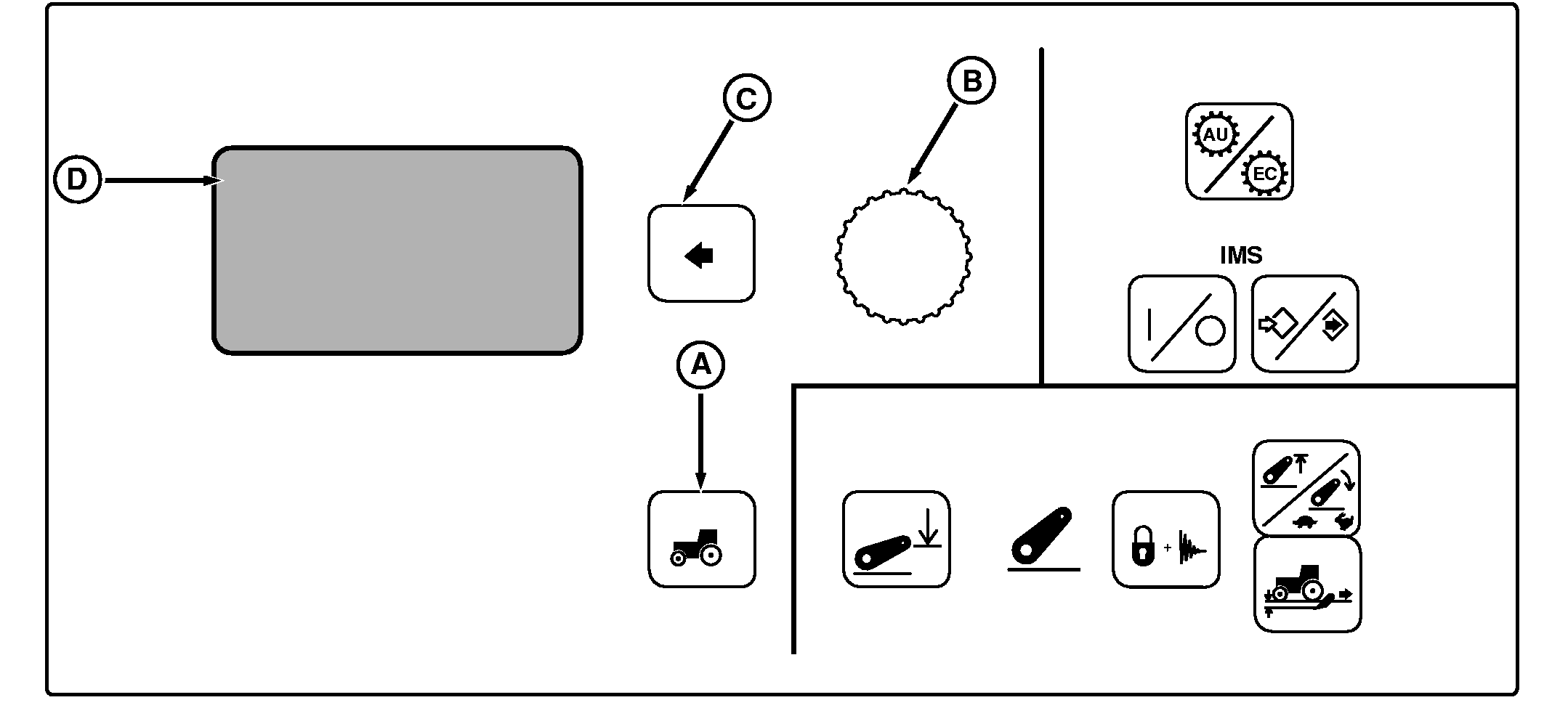
NOTE: Not all languages are displayed on Command Center. Reference "Selecting Units and Language" in this section for more information on languages that can be displayed. Press Settings Switch (A) to view menu items on Display (D). Rotate Command Dial (B) to scroll through menu items. Press Select Switch (C) when desired item is highlighted.
|
AutoPowr Options and Rev/Fwd Ratio will only appear on tractors equipped with AutoPowr Transmission. For detailed information on these settings, see Operating Tractor-AutoPowrTransmission section. To return to previous screen(s), highlight and select BACK. For detailed information on setting Hitch Slip, see SETTING HITCH SLIP RESPONSE in Hitch section. |
OUO1011,00053BD -19-17AUG05-1/1 |