Setting Day Backlight, Night Backlight and Screen Contrast
Display (D)
|
|
|
|
|
|
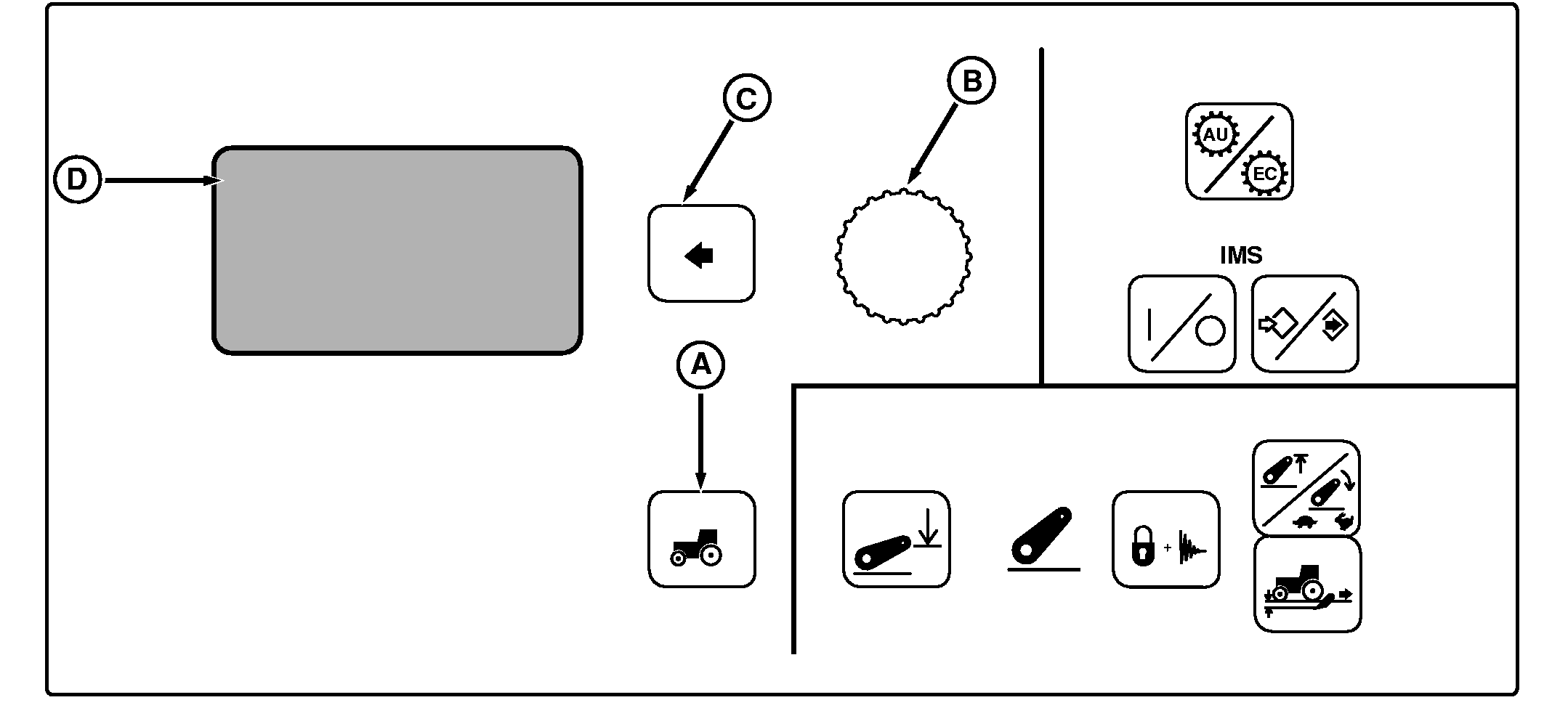
NOTE: Not all languages are displayed on CommandCenter. Reference "Selecting Units and Language" in this section for more information on languages that can be displayed. Press Settings Switch (A) to view menu items on Display (D). Rotate Command Dial (B) to scroll through menu items. Press Select Switch (C) when desired item is highlighted.
Using Command Dial, raise or lower setting to achieve desired screen appearance and press SELECT switch. |
Day Backlight: Used to adjust brightness of CommandCenter and corner post displays, when light switch is off. Night Backlight: Used to adjust brightness of CommandCenter and corner post displays, when light switch is on. Contrast Adjust: Used to adjust contrast of CommandCenter and corner post displays. |
OUO1011,00053BE -19-15AUG05-1/1 |