Setting Clock and Service Alarm Interval
Display (D)
|
|
|
|
|
|
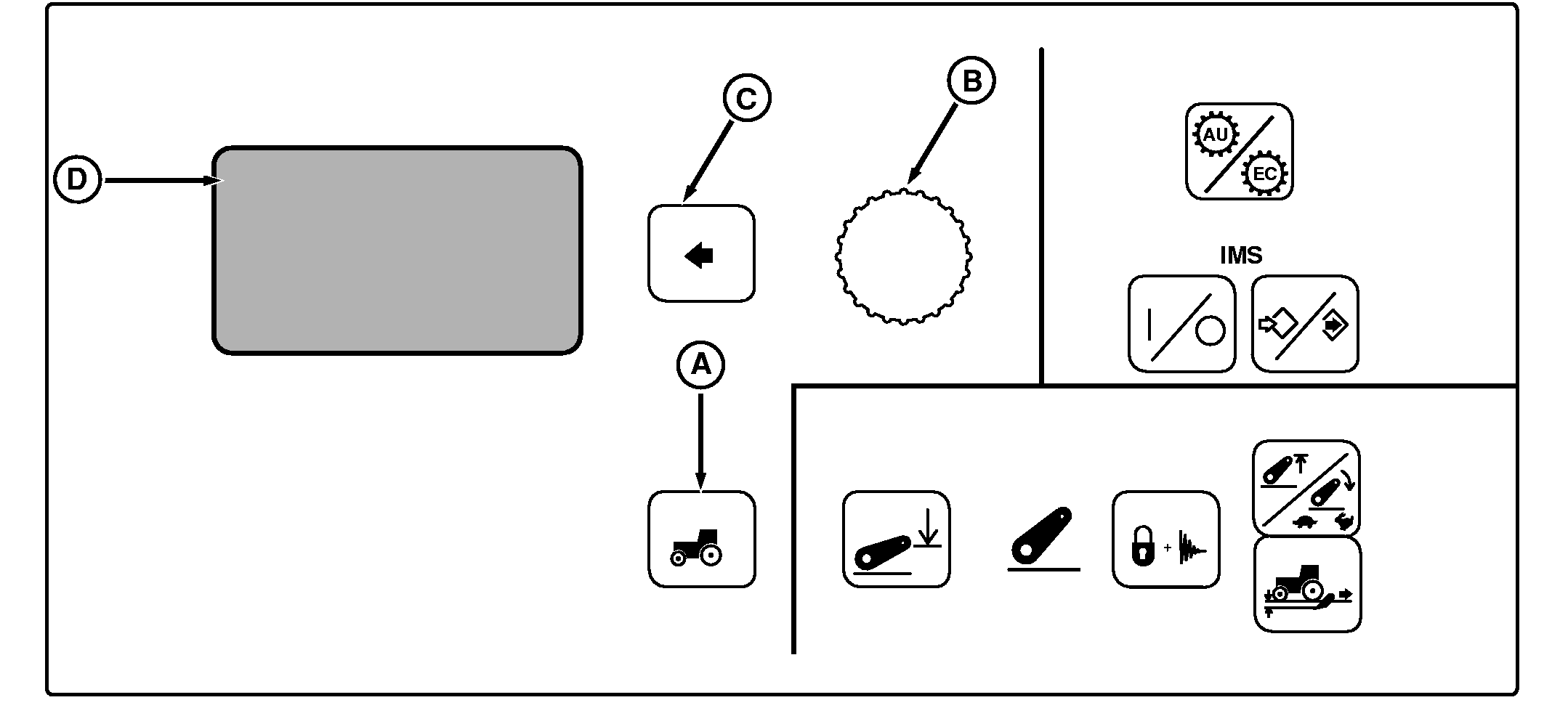
NOTE: Not all languages are displayed on Command Center. Reference "Selecting Units and Language" in this section for more information on languages that can be displayed. Press Settings Switch (A) to view menu items on Display (D). Rotate Command Dial (B) to scroll through menu items. Press Select Switch (C) when desired item is highlighted.
Using Command Dial, change setting and press Select Switch. |
Clock Set: Use Change Format to switch clock display from 12-hour to 24-hour format. In 24-hour format, AM and PM do not display. Select Set Time and use Command Dial to reset display to current time. Press Select Switch to enter setting in memory. Service Interval: Alarm interval is adjustable between 0 and 1000 hours, in 10-hour increments. When hours of operation reaches setting, service alarm will sound with a corresponding message appearing on the CommandCenter display. After service is performed, Hours-Since-Service display should be reset to zero. |
OUO1011,00053C1 -19-15AUG05-1/1 |