Operating the PTO |
|
|

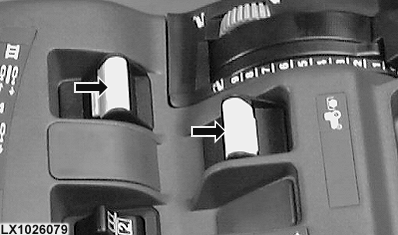
|
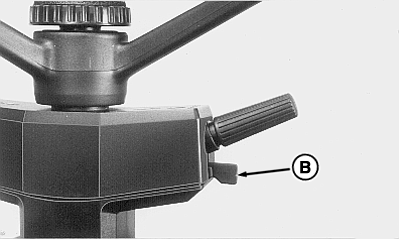
Always disengage the PTO when not in use. PTO does NOT disengage when operator leaves seat. NOTE: If the engine is shut off and then restarted while the PTO is running, the PTO will not operate. Disengage, then engage PTO. NOTE: With the engine running, if PTO speed exceeds 620 rpm, it is displayed intermittently (flashing) regardless of the display selected. This warns of possible danger if a 540 rpm PTO is being used. The "CAUTION" light also flashes. Actuating display mode switch (B) again causes the flashing display to stop. The display stops flashing automatically whenever PTO speed drops below 590 rpm. Front or rear PTO can be engaged and disengaged on the move without using the clutch, and while under load
Operating PTO (Tractors with ComfortGard cab):
|
|
 CAUTION:
Avoid personal injury. Stop the engine and allow the PTO driveline to stop before connecting, adjusting, cleaning or lubricating PTO-driven equipment.
CAUTION:
Avoid personal injury. Stop the engine and allow the PTO driveline to stop before connecting, adjusting, cleaning or lubricating PTO-driven equipment.
OU1092A,0000098 -19-04MAY04-1/2 |
|
Operating PTO (Tractors with ComfortGard Deluxe cab):
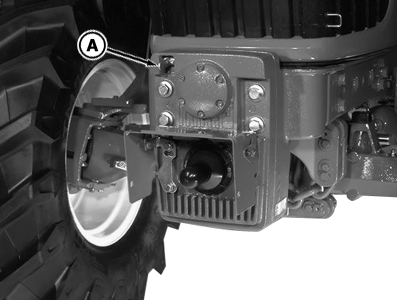
If the front PTO is not required for a lengthy period, the PTO gear can be disengaged by means of lever (A). IMPORTANT: Engage PTO gear only when the engine is shut off. |
OU1092A,0000098 -19-04MAY04-2/2 |