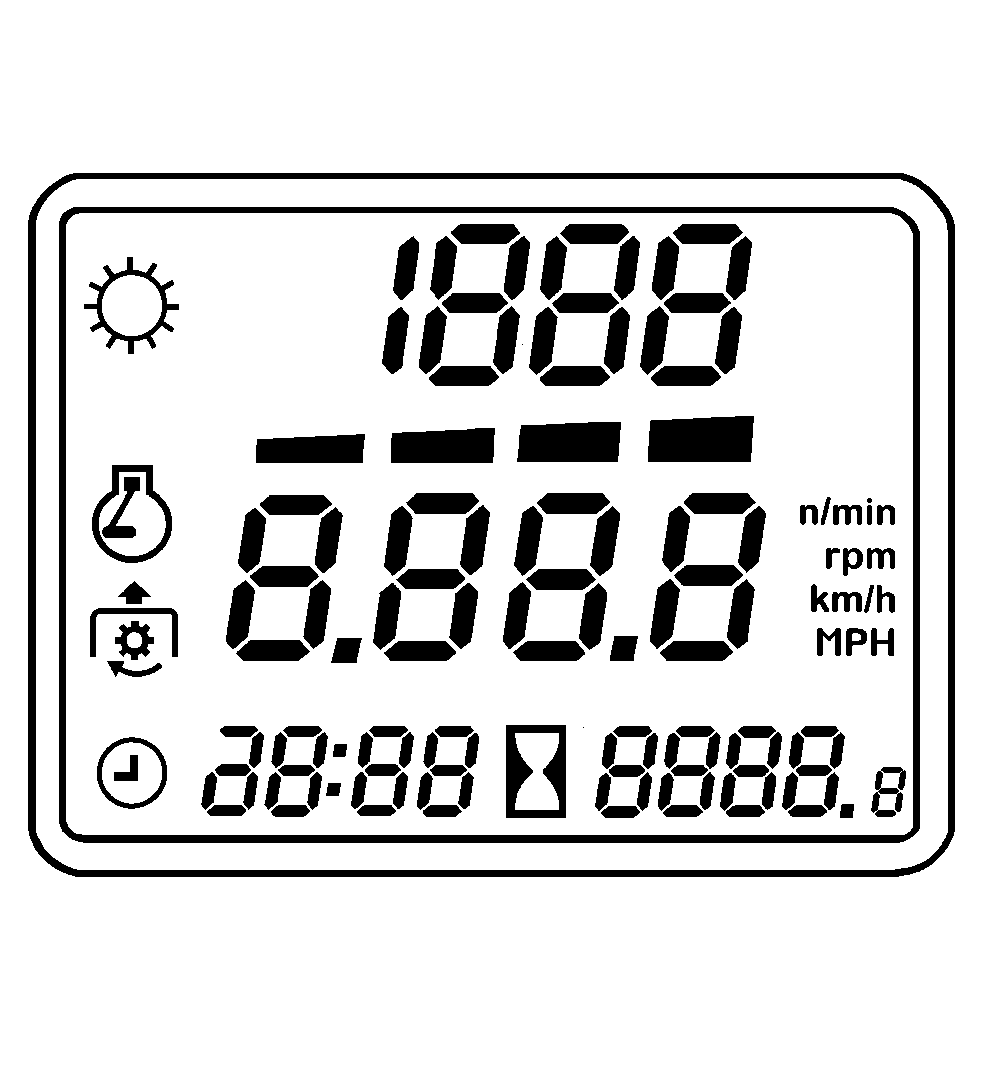
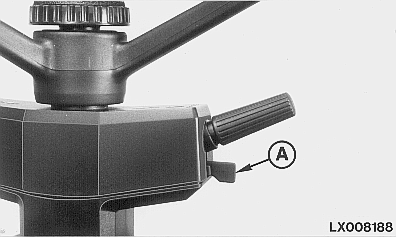
Digital DisplayThe digital display shows travel speed, engine speed and PTO speed; it also indicates the time of day (clock) and hours of operation. On tractors with PowrQuad Plus transmission, it also indicates which gear is selected. After ignition is switched on, it shows hours of operation before changing to display the travel speed, once tractor is moving. Display mode switch (A) changes the display from one mode to the next.
|
|
OURX986,0000140 -19-15APR04-1/9 |
|
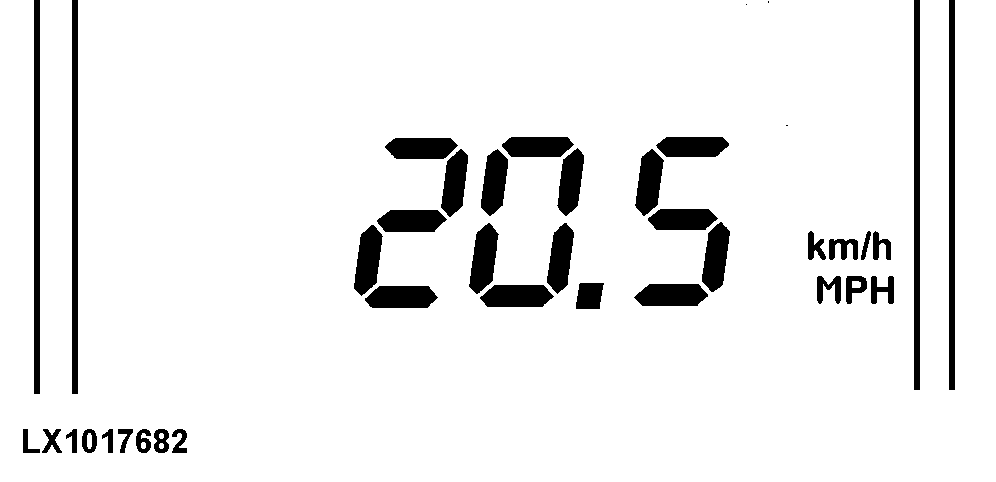
Travel Speed Display
Travel speed is indicated either as "km/h" or "MPH". Tractors equipped with radar will read true ground speed or wheel speed. True ground speed is actual speed of the tractor. Wheel speed is actual speed minus wheel slip. Radar is required to calculate wheel slip. Use roller switch behind wiper control to pick the digital and analog readouts that give you the right information for the operation you are performing. NOTE: On tractors without creeper transmission, the display changes to 0 as soon as travel speed drops below 0.5 km/h (0.3 mph). On tractors with creeper transmission, the display changes to 990 m/h (0.600 mph) as soon as travel speed drops below 1 km/h (0.6 mph). NOTE: If the tractor drives and the display shows 0.0 km/h (0.0 mph), consult your John Deere dealer. |
|
OURX986,0000140 -19-15APR04-2/9 |
|
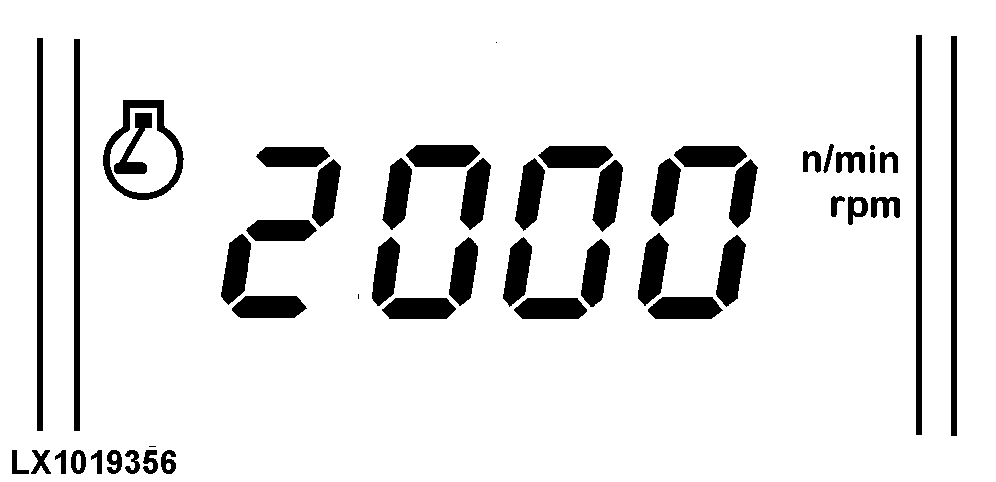
Engine Speed Display
The engine symbol appears and engine speed is displayed. |
|
OURX986,0000140 -19-15APR04-3/9 |
|
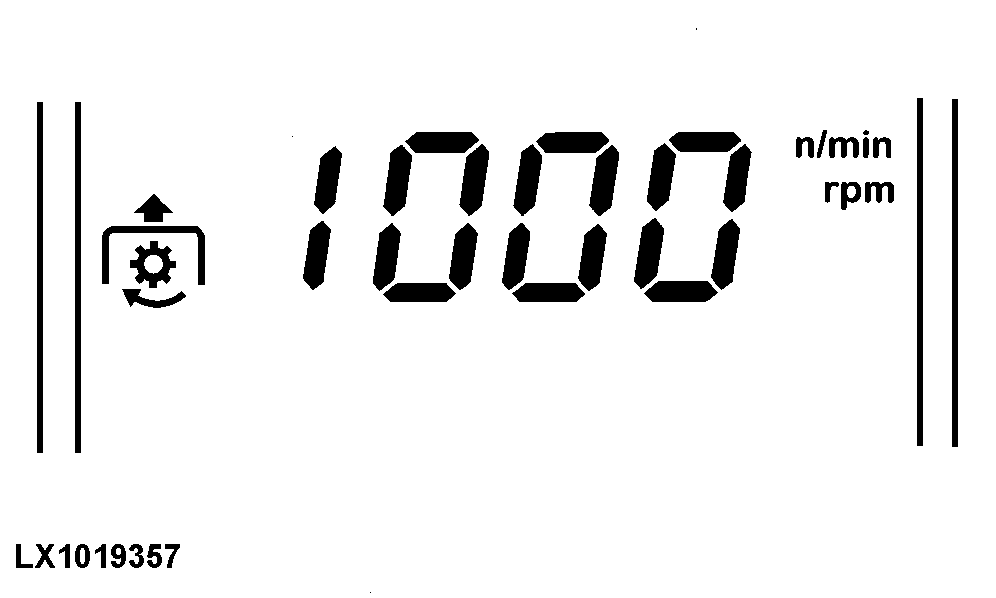
PTO Speed Display
The PTO symbol appears. An arrow indicates "front PTO" (if equipped). PTO speed is displayed. NOTE: With the engine running, if PTO speed exceeds 620 rpm, it is displayed intermittently (flashing) regardless of the display selected. This warns of the possible danger if a 540 rpm PTO is being used. The "CAUTION" light also flashes. Actuating the display mode switch again causes the flashing display to stop. The display stops flashing automatically whenever PTO speed drops below 590 rpm. |
|
OURX986,0000140 -19-15APR04-4/9 |
|
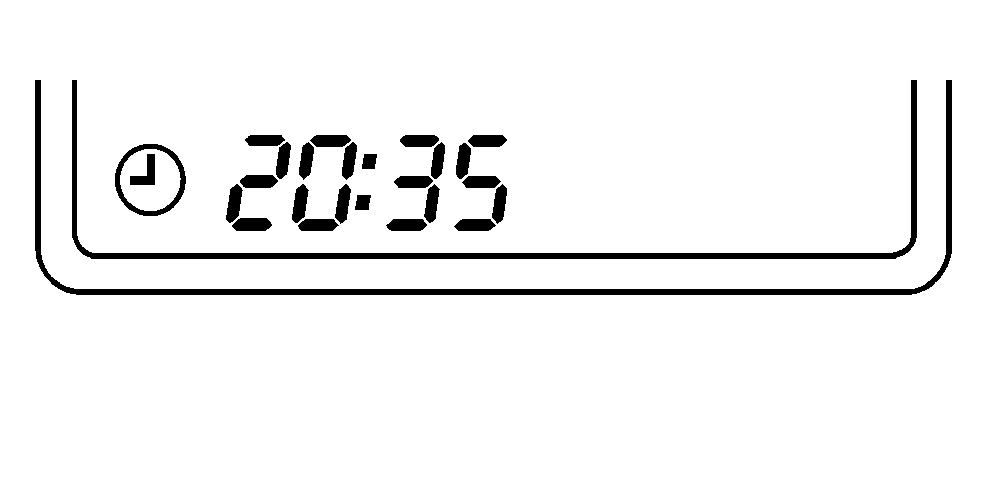
Time Display (Clock)
The clock symbol appears and the time of day is displayed. Can be reset using the two keys below the display. |
|
OURX986,0000140 -19-15APR04-5/9 |
|
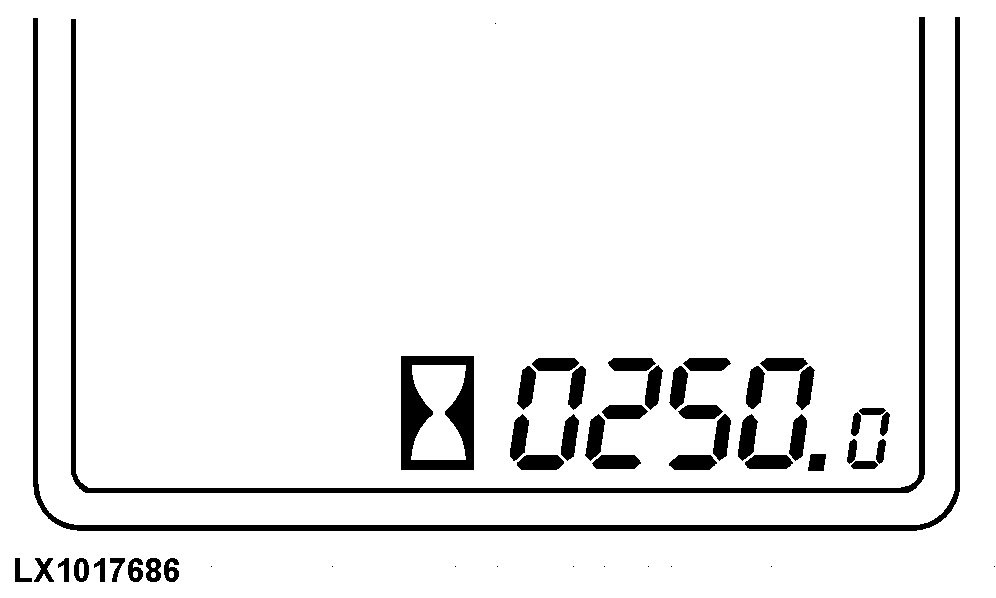
Operating Hours Display
When the ignition is switched on, the display shows the number of hours operated by the engine. |
|
OURX986,0000140 -19-15APR04-6/9 |
|
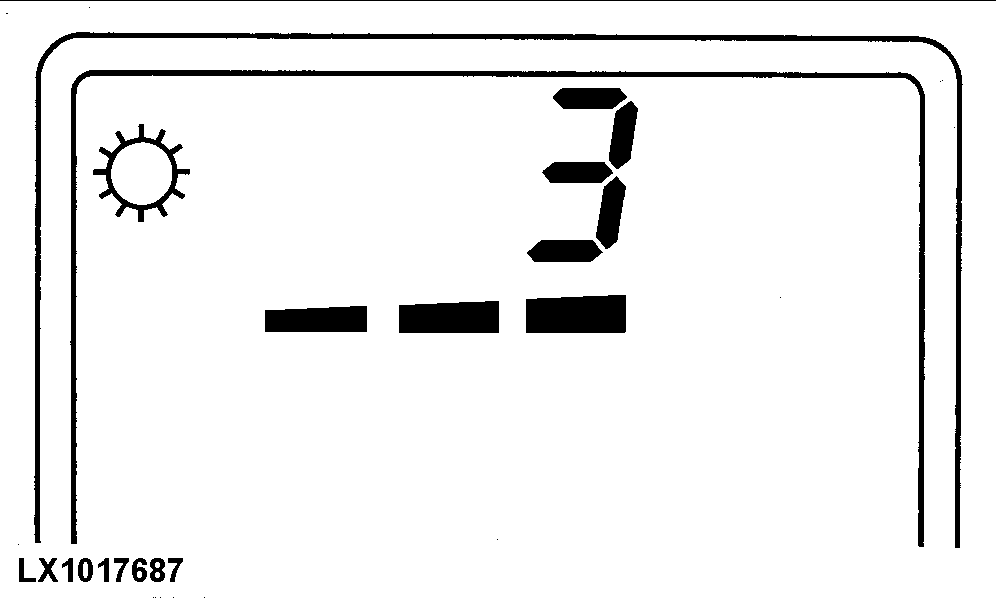
Gear Selection Display (Tractors with PowrQuad Plus Transmission)
The transmission symbol appears and the gear currently selected is displayed, as well as the direction of travel. |
|
OURX986,0000140 -19-15APR04-7/9 |
|
Display on Tractors with IVT
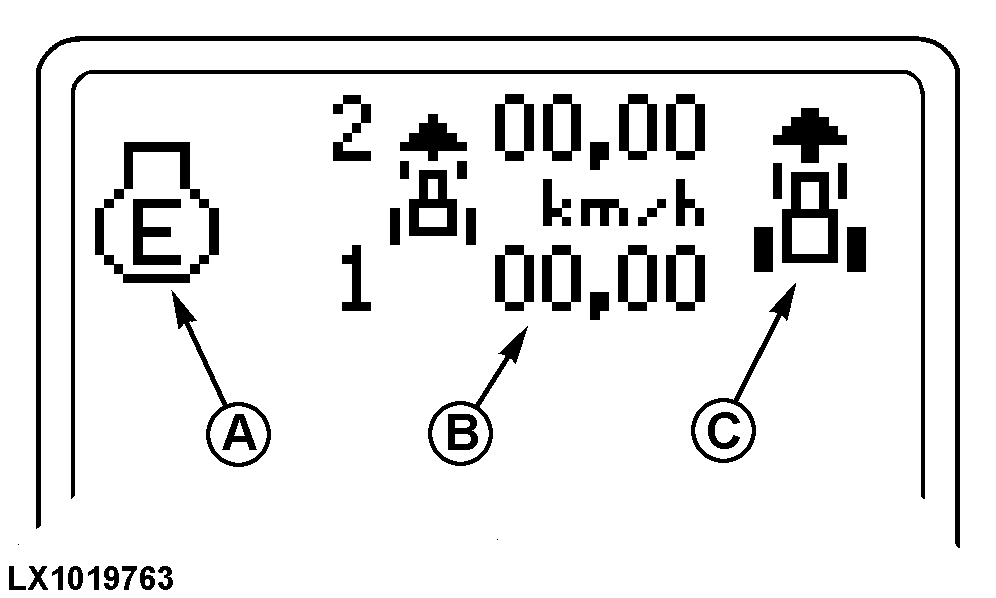
NOTE: For more complete information, see Operating the Tractor section. If the automatic mode is selected, area (A) will show the following:
The selected top speeds in the forward and reverse speed ranges are shown in area (B). The selected direction of travel is shown by the tractor icon and an arrow (C). If left-hand reverser lever is placed in the Park position, area (C) will show the following:
If left-hand reverser lever is placed in Scroll position, area (C) will show the following:
If the tractor is in PowerZero position, (left-hand reverser lever is held between the two directions of travel), both direction arrows and the tractor icon are displayed. Additionally, the current speed ranges are displayed (1 and 2). If left-hand reverser lever is moved to the neutral position, the letter "N" is displayed. If left-hand reverser lever is in the Scroll position or in neutral, area (B) alternates between the set top speeds for forward and reverse. |
|
OURX986,0000140 -19-15APR04-8/9 |
|
If left-hand reverser lever is in the position for forward or reverse travel, the relevant top speed is displayed (either forward speed or reverse speed). |
OURX986,0000140 -19-15APR04-9/9 |