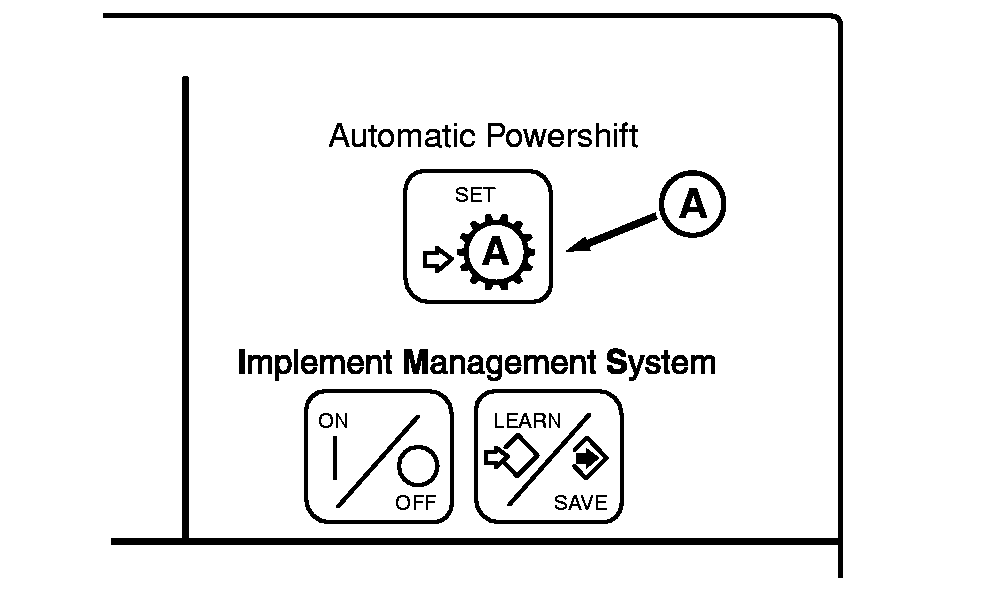
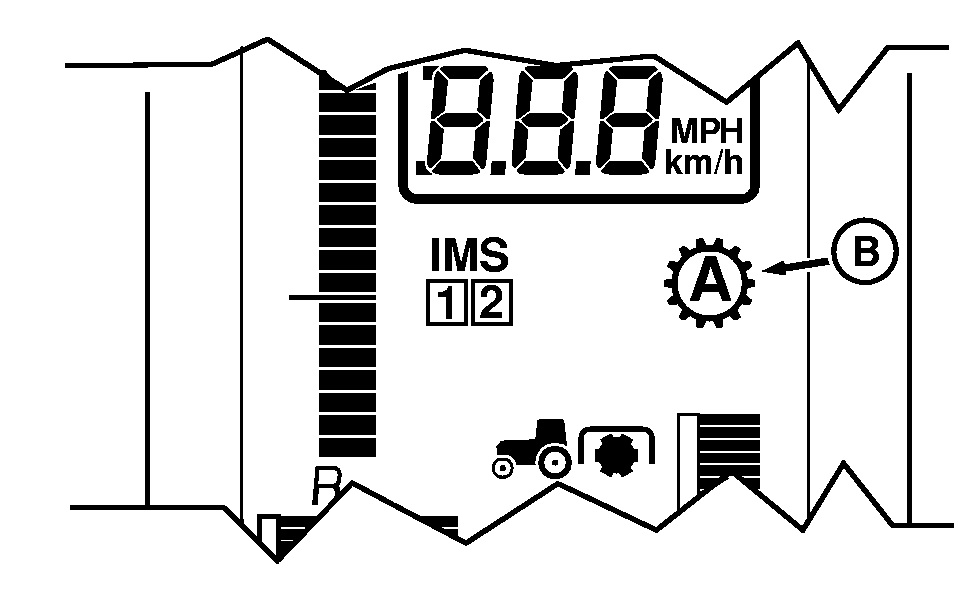
Operating Automatic Powershift (APS)Automatic Powershift (APS) shifts the transmission to maintain engine speed. APS will not shift above the maximum gear selected. The controller determines shift points based on throttle setting, engine speed, and engine load. The autoshift sensitivity can be changed through the transmission setting in the CommandCenter if necessary, but the medium setting which is set from factory should satisfy most field applications. 1. Low RPM - This is the tightest engine speed control setting for APS load mode. It is intended to be used in applications where tight engine speed control is desired. It is automatically selected by the PTP controller when the PTO is ON. The Low RPM text description implies that minimal engine speed droop is required to initiate automatic shifts. 2. Medium RPM - This is a moderate engine speed control setting for APS load mode. It is the factory default and is intended to be used for most field applications where a moderate level of change in load will be encountered and a balanced sensitivity to changing loads is desired. 3. High RPM - This is the widest engine speed control setting for APS load mode and allows more load change before initiating any automatic shifts. This may be useful in applications where highly variable load conditions will be encountered. When using APS, transmission will downshift as many gears as necessary under heavy load. A change in throttle position allows a maximum downshift or upshift of three gears. Set throttle to full engine rpm. Select maximum forward gear. Press the Automatic Powershift set switch (A). APS indicator (B) will light. APS will automatically downshift and upshift as engine rpm or load changes. |
|
OURX935,0000033 -19-04APR06-1/2 |
|
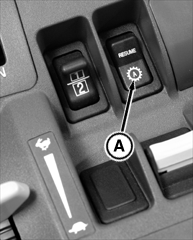
Any manual shift cancels APS. Pushing RESUME switch (A) restores control of shifting to APS. Depressing clutch pedal suspends APS but will not cancel APS function. APS will resume when clutch pedal is released. NOTE: APS can be programmed into Implement Management System (IMS). See Implement Management System Section. APS is cancelled when:
|
|
OURX935,0000033 -19-04APR06-2/2 |