Split-Screen Display-Selectable Bottom Half
|
A bottom display option can be associated with a top display option for quick access to the option. By setting up screen associations, the same top and bottom half screens will display together whenever the selected switch is pressed. Four screen associations can be set up; one for each of the four option switches.
To set up screen associations, bring up the desired top-half display by pressing the option switch. Rotate
|
Command Dial until the desired bottom-half display appears. Setup is done automatically.
The bottom half of the display is selected by turning the Command Dial. Display options are specific to tractor configuration.
|
|
|
OURX935,0000645 -19-22AUG06-1/23
|
|
NOTE:
To change between metric and U. S. measurements, see Selecting Units and Language in this section.
Information that can be displayed includes:
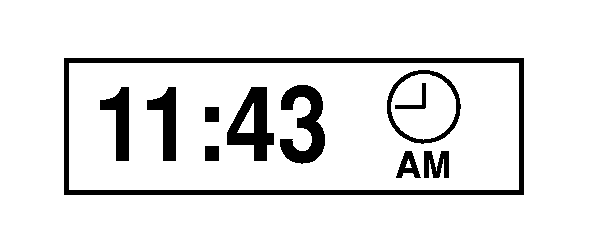
Clock
- Displays current time in hours and minutes. Clock can be set to display in 12-hour or 24 hour format through tractor settings.
|
|
|
|
OURX935,0000645 -19-22AUG06-2/23
|
|
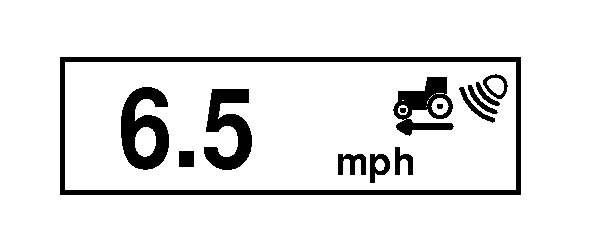
True Ground Speed
(Optional, requires radar) - Ground speed as measured by the radar.
|
|
|
|
OURX935,0000645 -19-22AUG06-3/23
|
|
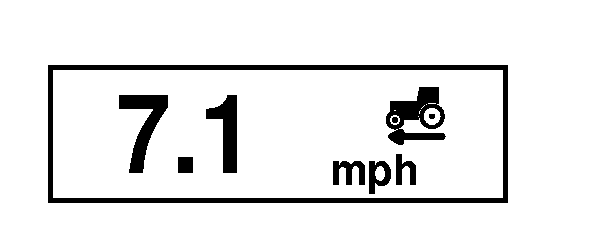
Wheel (Ground) Speed
- Ground speed as measured at the axle.
|
|
|
|
OURX935,0000645 -19-22AUG06-4/23
|
|
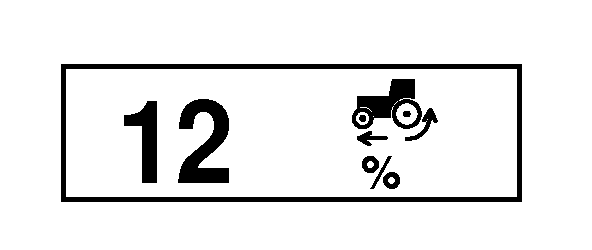
% Slip
(Requires Radar) - Displays current wheel slippage as a percent of ground speed compared to the true ground speed. If true ground speed is not available, "---" will be displayed.
|
|
|
|
OURX935,0000645 -19-22AUG06-5/23
|
|
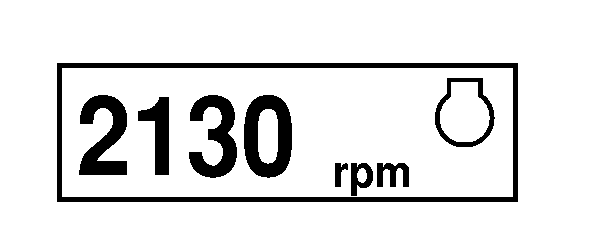
Engine Speed
- Speed of the engine in RPM.
|
|
|
|
OURX935,0000645 -19-22AUG06-6/23
|
|
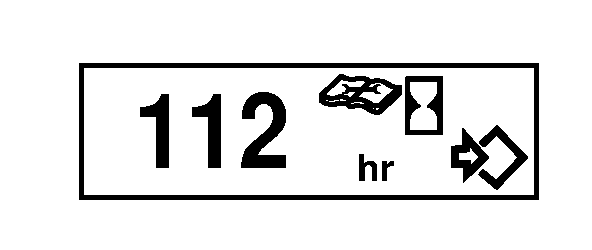
Time Since Service
- Hours since the last service interval. Reset interval by pressing the Select Switch once to enter edit mode and once to save the 0 value.
|
|
|
|
OURX935,0000645 -19-22AUG06-7/23
|
|
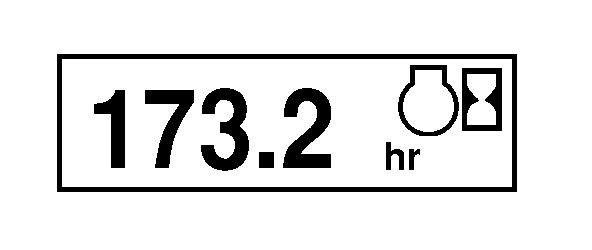
Engine Hours
- Hours accumulated while engine running.
|
|
|
|
OURX935,0000645 -19-22AUG06-8/23
|
|
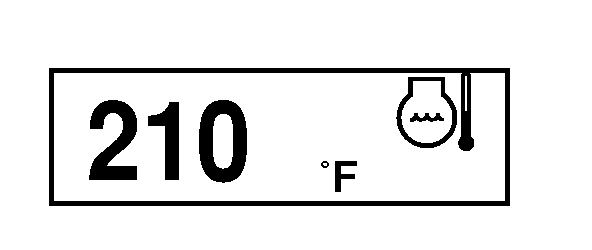
Engine Coolant Temp
- Temperature of the engine coolant in °C or °F.
|
|
|
|
OURX935,0000645 -19-22AUG06-9/23
|
|
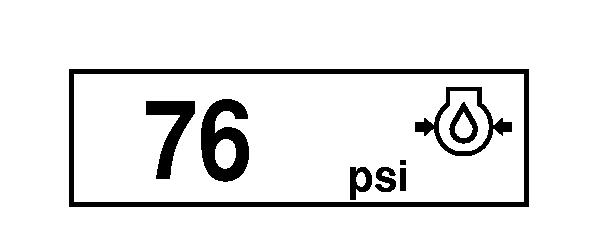
Engine Oil Pressure
- Pressure of engine oil in kPa or psi.
|
|
|
|
OURX935,0000645 -19-22AUG06-10/23
|
|
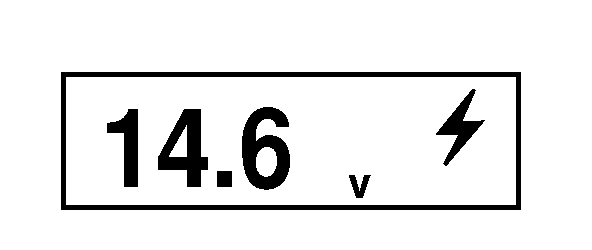
System Volts
- Battery system voltage.
|
|
|
|
OURX935,0000645 -19-22AUG06-11/23
|
|
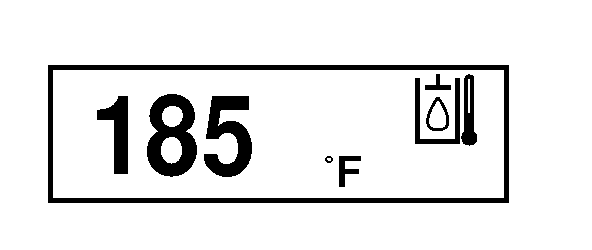
Transmission Oil Temperature
- The temperature of the transmission oil displayed in degrees °C or degrees °F.
|
|
|
|
OURX935,0000645 -19-22AUG06-12/23
|
|
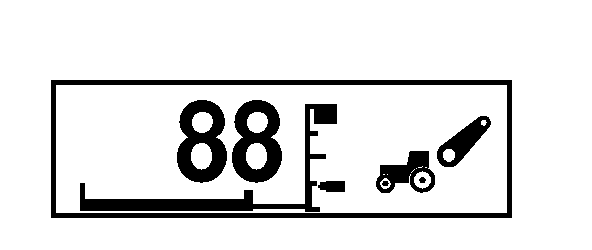
Rear Hitch Position
(Requires rear hitch) - Displays the current rear hitch position and position limits. Display automatically appears when the rear hitch control switch is activated. Automatic display will remain visible for a short period of time or until the operator selects another display.
|
|
|
|
OURX935,0000645 -19-22AUG06-13/23
|
|
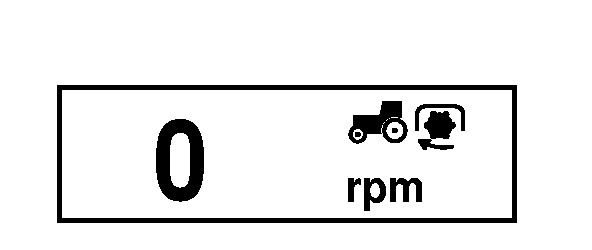
Rear PTO Speed
- Displays the speed of the rear PTO (in RPM).
|
|
|
|
OURX935,0000645 -19-22AUG06-14/23
|
|
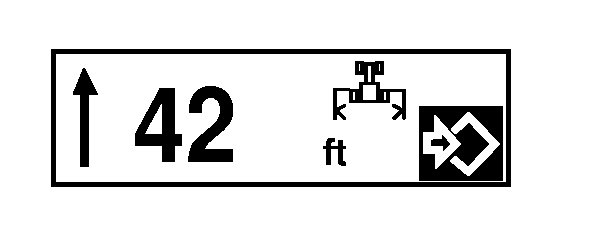
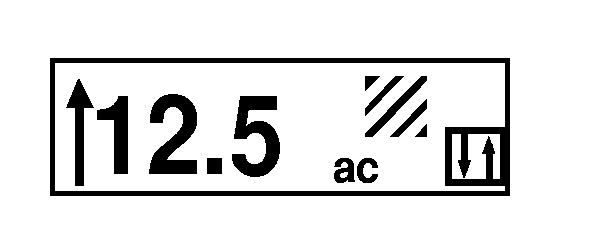
Implement Width
- Displays the implement width as set by operator. Press Select Switch to enter setup and rotate Command Dial until desired width is shown. Press the Select Switch a second time to save.
|
|
|
|
OURX935,0000645 -19-22AUG06-15/23
|
|
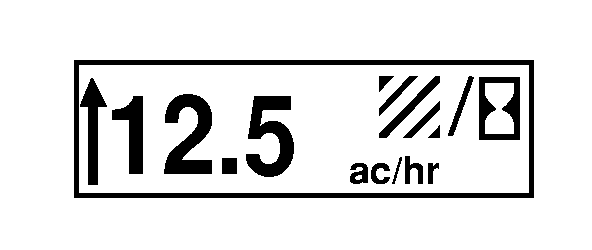
Area Per Hour
- Area covered per hour. Based on implement width and distance traveled over time. This value may be reset by clearing the Area Accumulated counter.
|
|
|
|
OURX935,0000645 -19-22AUG06-16/23
|
|
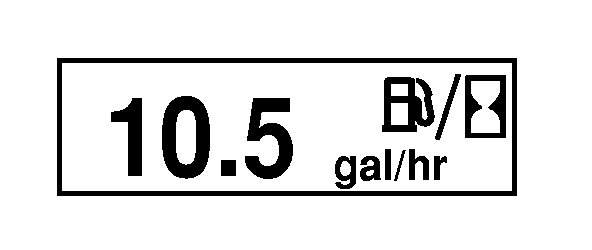
Fuel Used Per Time
- Liters (Gallons) consumed per hour.
|
|
|
|
OURX935,0000645 -19-22AUG06-17/23
|
|
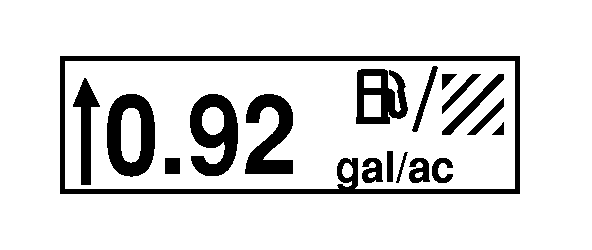
Fuel Used Per Area
- Liters consumed per hectare or gallons consumed per acre. The amount of fuel used is accumulated over time based on the last area counter reset. Fuel/area can be reset by zeroing out the area accumulated and distance counters. Area accumulation is determined by the implement width and engagement (arrow) position. The area counter is enabled when the arrow is in the down position.
|
|
|
|
OURX935,0000645 -19-22AUG06-18/23
|
|
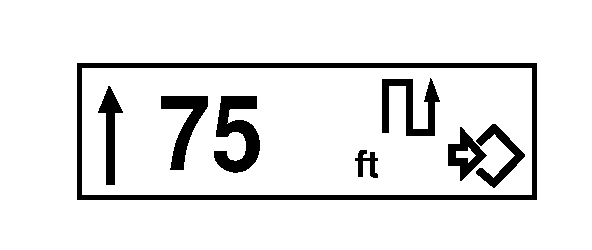
Distance Counter
- Accumulated distance the tractor has traveled displayed in meters or feet. Arrow must be in the down position to enable the counter. Reset the value by pressing the Select Switch twice.
|
|
|
|
OURX935,0000645 -19-22AUG06-19/23
|
|
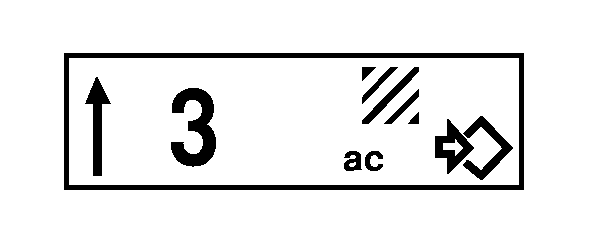
Total Area Covered
- Total area covered by the tractor displayed in hectares or acres. For the area covered function in Manual mode, the implement position arrow and corresponding measuring are controlled by the Select Switch. Once implement is lowered, press Select Switch to point the position arrow down and start accumulating measurements. Then when implement is raised, press Select Switch again to reverse arrow and stop measuring.
Implement mounted "Implement " switch needs to be introduced to the control unit when first used, so its feedback signal will be recognized.
At first use, dial in display Area Covered function, lower implement and press Select Switch to point position arrow down and start accumulating measurements; then when the implement is raised, the position arrow should reverse and measuring stop automatically.
|
|
|
|
OURX935,0000645 -19-22AUG06-20/23
|
|
Area Covered
- Total area covered by the tractor displayed in hectares or acres. Based on implement width and distance traveled. Counter is only active when arrow is in the down position. May be reset by pressing the Select Switch twice.
|
|
|
|
OURX935,0000645 -19-22AUG06-21/23
|
|
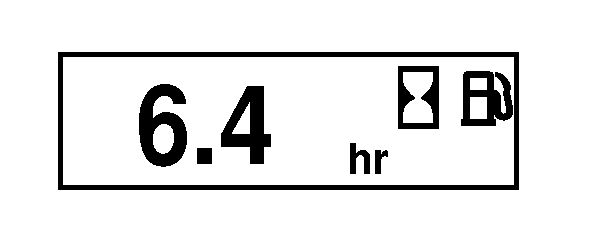
Time to Empty
- The time to empty calculation provides an estimated time until the fuel tank level reaches the low fuel point (approximately 3% of the measurable fuel remaining).
|
|
|
|
OURX935,0000645 -19-22AUG06-22/23
|
|
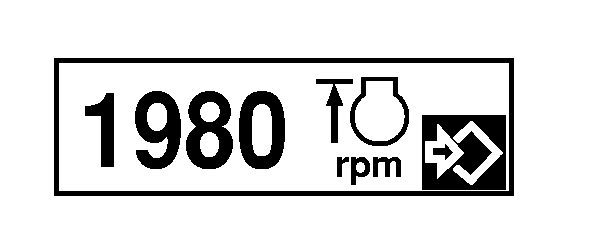
FieldCruise
- The FieldCruise display allows the operator to set an upper engine RPM level. Engine speed can be adjusted from 1100 - 2150 rpm. Pressing the Select Switch enters the edit mode and will allow the user to change the engine rpm using the Command Dial.
|
|
|
|
OURX935,0000645 -19-22AUG06-23/23
|
|