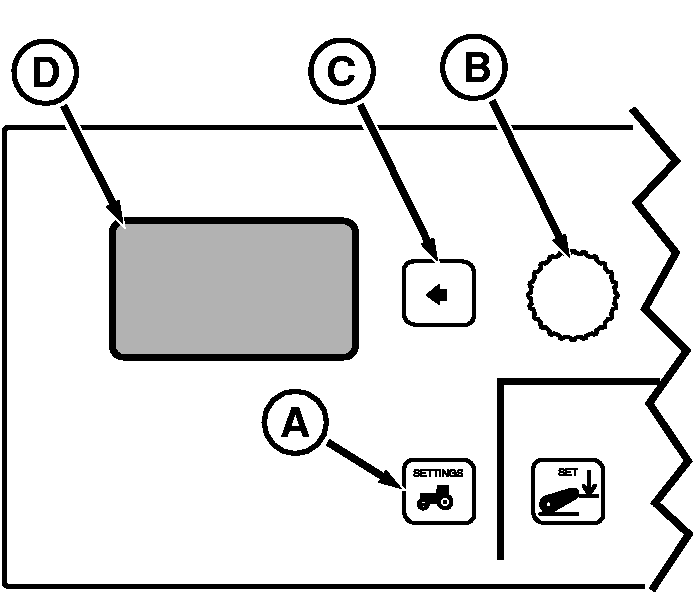
Using Diagnostics, Stored Codes and CAN StatisticsPress vehicle Settings Switch (A) to view menu items on Display (D). Rotate Command Dial (B) to highlight diagnostics menu item and press Select Switch (C). Menu Items on Display (D)
IMPORTANT: Diagnostics and CAN Statistics are normally not used by the operator. Diagnostic codes and CAN statistics are used by service technicians to isolate, identify and resolve problems or malfunctions. Do not clear diagnostic codes from memory; this should only be done by a qualified, factory trained John Deere service technician. Stored Codes: If any codes are stored, "Retrieving..." will appear, followed by the codes. Use Command Dial to scroll through stored codes. If no codes are stored, no codes are displayed. Refer to section 130, Diagnostic Trouble Codes, of this manual for the code, display and solution for codes. |
|
OURX935,00003F7 -19-02JAN08-1/1 |