Operating Implement Management System (IMS)
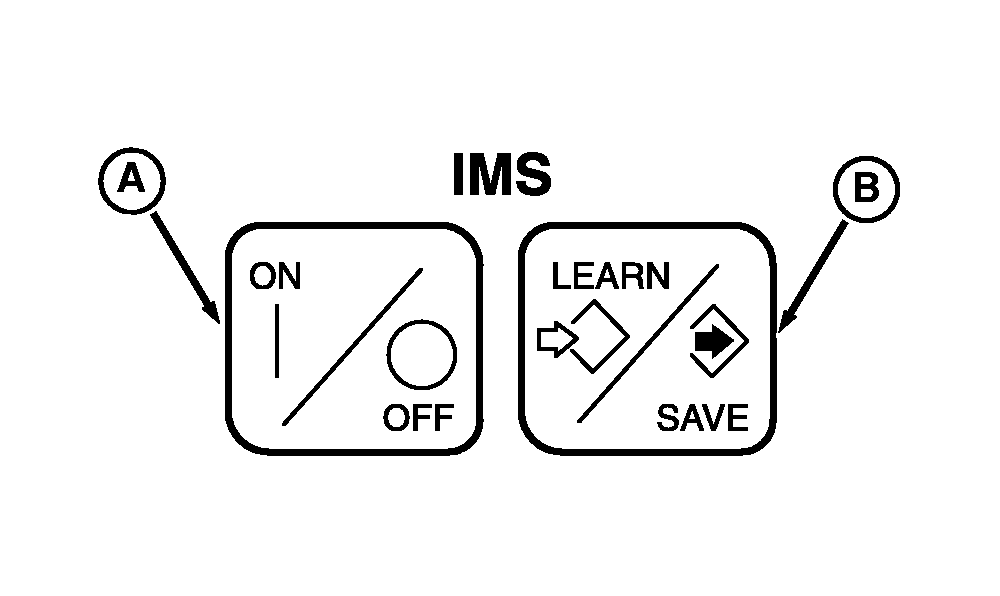
Accidental use of IMS could cause unexpected tractor or implement movement. NOTE: Press IMS ON/OFF switch to OFF, then ON to view the functions programmed in the two sequences. 1. Make sure tractor is moving with speed of at least 0.5 km/h (0.31 mph). Press ON/OFF switch (A). 2. Press LEARN/SAVE switch (B). |
|
 CAUTION:
Avoid possible injury and loss of tractor control.
CAUTION:
Avoid possible injury and loss of tractor control.
OURX935,000049E -19-10FEB06-1/2 |
|
3.
Press
SEQUENCE 1
or
SEQUENCE 2
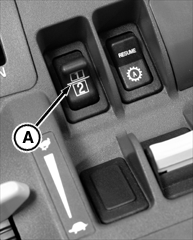
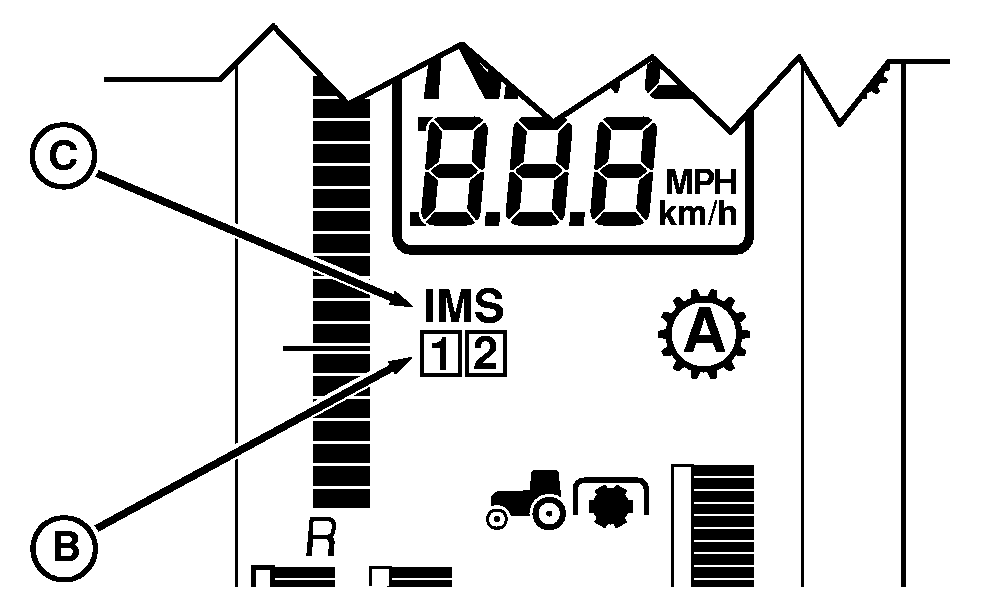
switch (A). Indicator light (B) will show the sequence being learned (1 or 2) and an audible signal will sound.
Learn Mode has a 60 second time limit and will stop recording events when time limit is reached. Should time-out occur, limit or reduce the number of steps recorded for a sequence so they are completed within the time limit or use both sequences 1 and 2 to record a complete series of events that exceeds the time limit of a single sequence (60 seconds). NOTE: Depressing clutch pedal during learn mode allows several functions to be performed at the same time. 4. Perform desired functions. 5. Press LEARN/SAVE switch to store functions and end learning mode. Sequence number indicator will stop flashing. IMS indicator light (C) will remain on. NOTE: Depressing clutch pedal during a sequence will suspend the remaining functions until clutch pedal is released. 6. Press desired sequence switch and the sequence of learned events will begin. When sequence concludes, sequence number (B) will no longer display. |
|
OURX935,000049E -19-10FEB06-2/2 |