Adjusting Reverse-Forward Set Speed Ratio
|
|
|
|
|
|
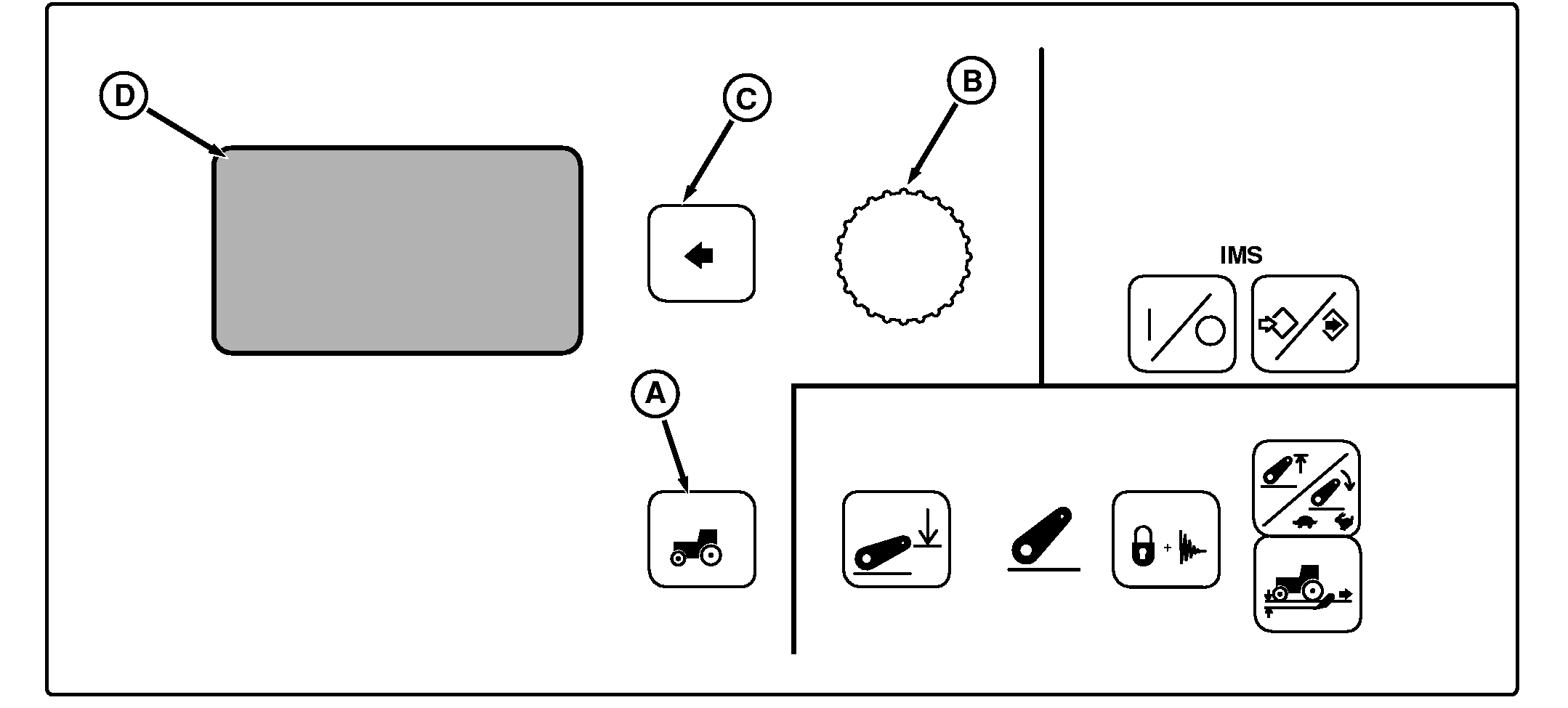
NOTE: Not all languages are displayed on CommandCenter. Reference "Selecting Units and Language" in this manual for more information on languages that can be displayed. The ratio of a Reverse Set Speed to its corresponding Forward Set Speed can be adjusted. (A set speed is the maximum ground speed that can be attained in a speed band.) Starting at the main display (D) in the CommandCenter, press Settings Switch (A), rotate Command Dial (B) to highlight Transmission. Press Select switch (C) to view menu items on display (D). Rotate Command Dial (B) to highlight Rev/Fwd Ratio and press Select Switch (C). Using Command Dial, change ratio setting between Reverse and Forward Set Speeds and press Select Switch Reverse/Forward Ratio can be set to operate independent of each other or from 0.3-to-1.3 times as fast (in 0.1 increments). Forward and reverse set speeds are the same at 1.0 setting (1 to 1 ratio). |
Maximum reverse speed is to 18 km/h (11 mph) regardless of ratio. Reverse Set Speed is also limited to be no more than 5 km/h (3.1 mph) faster than Forward Set Speed. As an example, if Forward Set Speed 2 (FSS2) is adjusted to 10 km/h (6.2 mph), Reverse Set Speed 2 is automatically limited to 15 km/h (9.3 mph). Then if FSS2 is adjusted down to 3 km/h (1.86 mph), RSS2 is adjusted to 8 km/h (5.0 mph) reverse speed. NOTE: Only tractors equipped with a left-hand reverser have a Reverse Set Speed 2 (RSS2) band. |
BB92646,0000084 -19-16AUG05-1/1 |