Setting AutoPowr Options
AutoPowr Options
Auto/PTO Options
Auto 2 Options
|
|
|
|
|
|
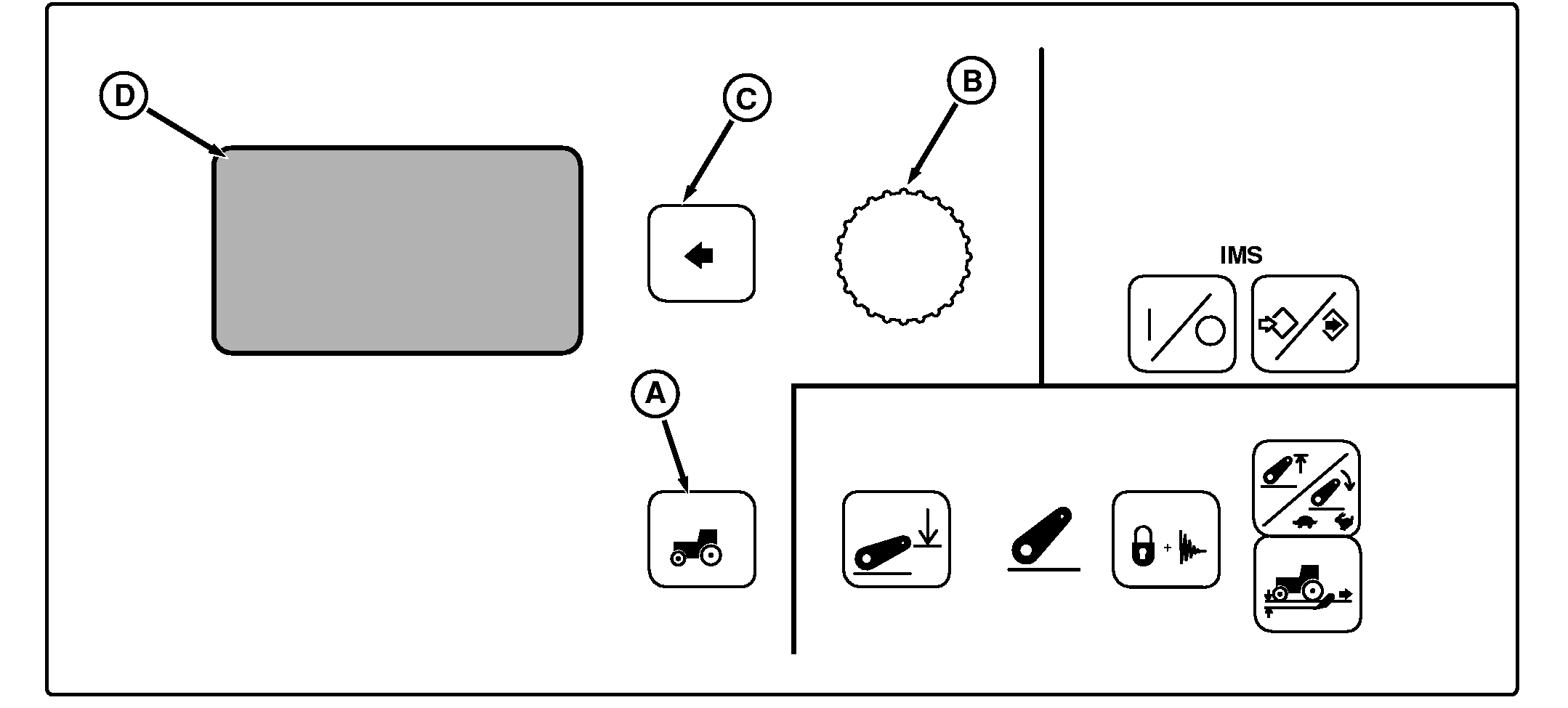
NOTE: Not all languages are displayed on CommandCenter. Reference "Selecting Units and Language" in this manual for more information on languages that can be displayed. Press Settings Switch (A) to view menu items on display (D), rotate Command Dial (B) to highlight Transmission Options and press Select Switch (C). See AutoPowr Options table for a list of selections to choose from. Using Command Dial, highlight desired setting and press Select Switch again.
Either Auto with PTO or Auto-no PTO is used in conjunction with Position 1 of the selector switch. Setting determines how much engine rpm "pull down" to allow under load, before transmission automatically downshifts. See Auto/PTO Options table for a list of selections to choose from. See ENGINE SPEEDS- |
AUTOPOWR OPTIONS AUTO WITH OR WITHOUT PTO, for further information.
Both Auto 2 and Auto 3 are fuel economy settings. Auto 2 is used in conjunction with switch position 2 to adjust minimum engine speed when operating with a light load. See Auto 2 Options table for a list of selections to choose from. The default engine rpm setting in Auto 2 is 1500 rpm.
Auto 3 is the same as Auto 2, except it is used in conjunction with switch position 3. See Auto 3 Options table for a list of selections to choose from. The default engine rpm setting in Auto 3 is 1200 rpm. |
BB92646,0000085 -19-16AUG05-1/2 |
Auto 3 Options
|
BB92646,0000085 -19-16AUG05-2/2 |