Configuring Tractor For GPS/RadarTractors equipped with radar must be re-configured when switching to GPS receiver as the true ground speed input signal. To configure tractor: 1.
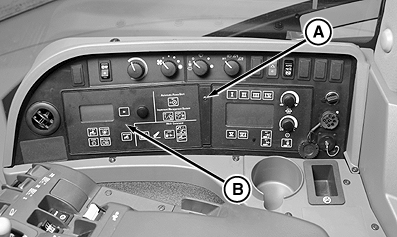
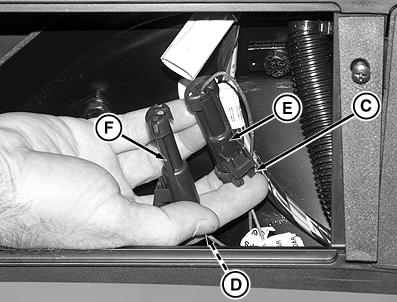
Remove screw (A) and CommandCenter (B).
Tractors not equipped with radar, but wanting to add a GPS signal require two controller addresses to be changed. Contact your John Deere dealer for assistance.
|
|
OURX935,00001D1 -19-02JAN08-1/1 |