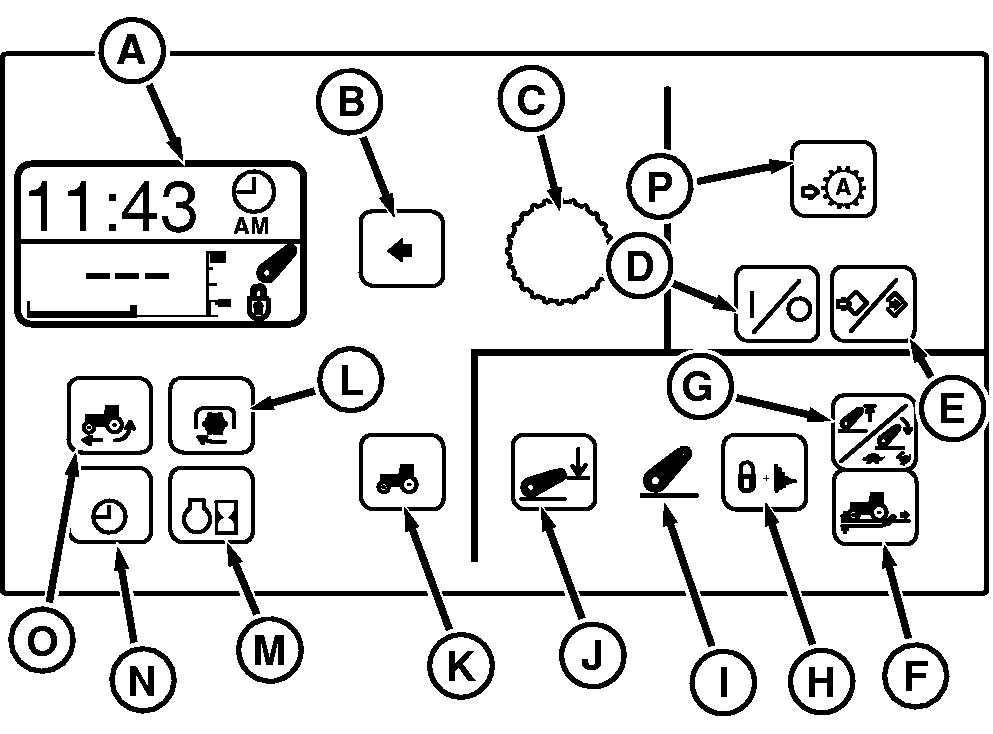
CommandCenter PanelThe CommandCenter display is the central information system for the tractor providing both text and graphical information. The CommandCenter displays operational performance, settings, diagnostics, and alarm information relevant to the tractor system. In addition, the CommandCenter allows modification of specific tractor settings such as rear hitch, transmission and PTO control. Control of the display and data input is accomplished through membrane switches and the Command Dial.
|
|
OURX935,000062B -19-23NOV07-1/1 |