Reset % Wheel SlipNOTE: Radar or other true ground speed device must be installed and calibrated prior to resetting wheel slip. The procedure will compute and enter the rolling circumference based on radar or other true ground speed device installed on the vehicle. It is recommended to have an implement connected to the tractor but not engaged in the ground (no load). Reset % wheel slip value if:
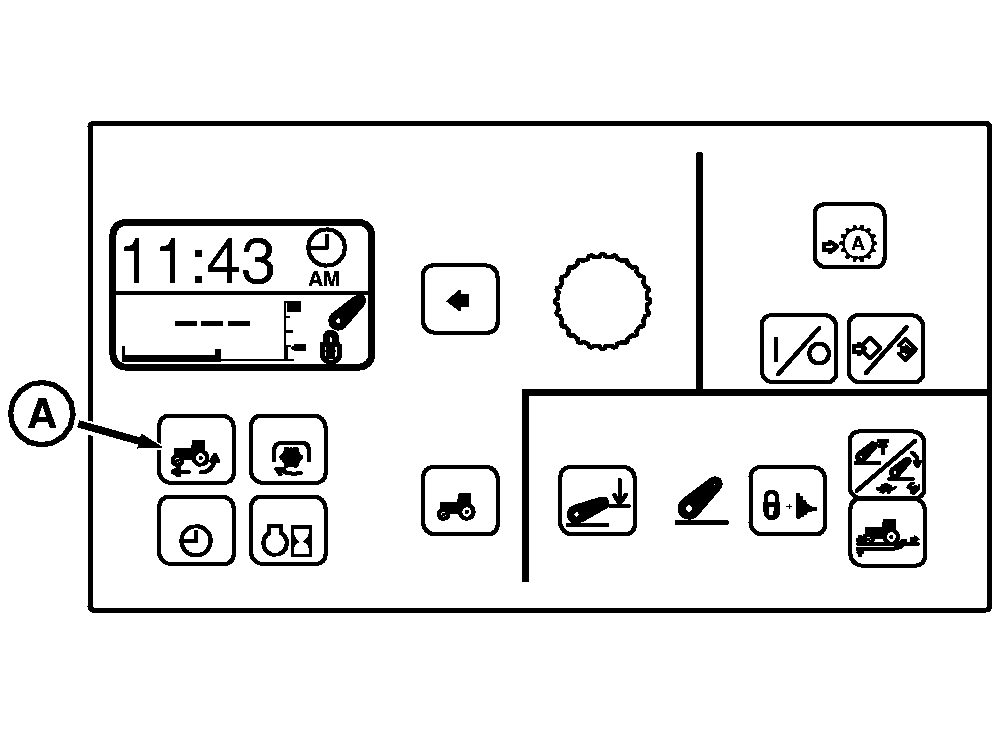
2. Press and hold % Slip Switch (A) for a minimum of 3 seconds to zero out slip.
NOTE: Most common reason failed message occurs is because the radar or other true ground speed device is not calibrated properly. See Vehicle Speed Calibration (Automatic) for dual beam radar or Vehicle Speed Calibration (Manual) for single beam radar. |
|
||||||||||||||||||||||
RW29387,00005D2 -19-02JAN08-1/1 |