Navigating To Specific Page
RXA0098156-UN-07NOV08
Illustration 1 — CommandArm Controls Menu Button
RXA0104594-UN-04SEP09
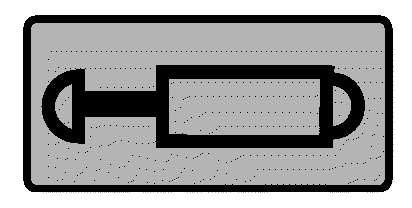
Illustration 2 — SCV
RXA0099747-UN-14JUL10
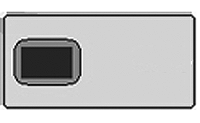
Illustration 3 — Display
RXA0103914-UN-14JUL10
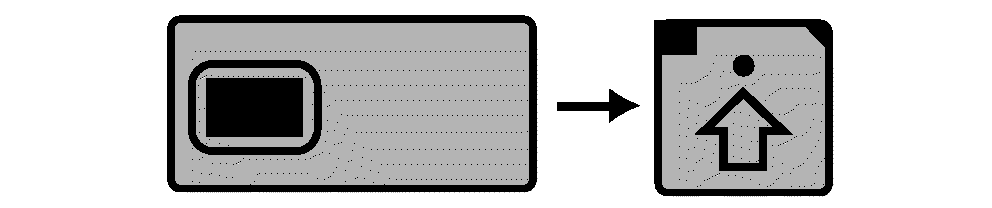
Illustration 4 — Display → Advanced Settings Softkey
RXA0104595-UN-04SEP09
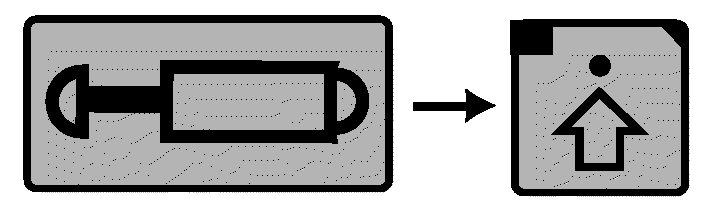
Illustration 5 — SCV → Advanced Settings Softkey
RXA0103987-UN-17JUL09
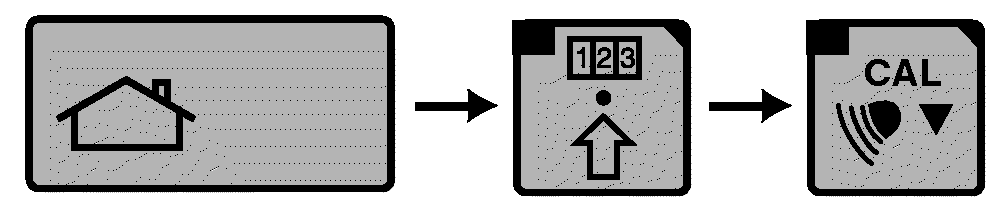
Illustration 6 — Home→Performance Monitor Advanced Settings Softkey → Calibration Softkey
For Illustration 1:Select CommandARM™ controls Menu button to display CommandCenter™ menu page.
For Illustrations 2 and 3:
-
Select CommandCenter menu.
-
From CommandCenter menu, select appropriate icon.
-
When appropriate page displays, following procedure described.
For Illustration 4 and 5:
-
Select CommandCenter menu.
-
From CommandCenter menu, select appropriate icon.
-
When appropriate page displays, select Advanced Settings softkey.
-
When advanced settings page displays, following procedure described.
-
When appropriate page displays, following procedure described.
For Illustration 6:
-
Select CommandCenter menu.
-
From CommandCenter menu, select appropriate icon.
-
When appropriate page displays, select Advanced Settings softkey.
-
When advanced settings page displays, select appropriate softkey to display an additional page.
-
When appropriate additional page displays, following procedure described.
|
CommandARM is a trademark of Deere & Company CommandCenter is a trademark of Deere & Company |
OURX935,0000120-19-20101104 |