Operating Automatic Powershift (APS)Automatic Powershift (APS) shifts the transmission to maintain engine speed. APS will not shift above the maximum gear selected. The controller determines shift points based on throttle setting, engine speed and engine load. The transmission will downshift as many gears as necessary under heavy load. A change in throttle position allows a maximum downshift or upshift of three gears. Automatic Powershift sensitivity is adjustable for varying load conditions. See Setting Automatic Powershift Sensitivity in this section.
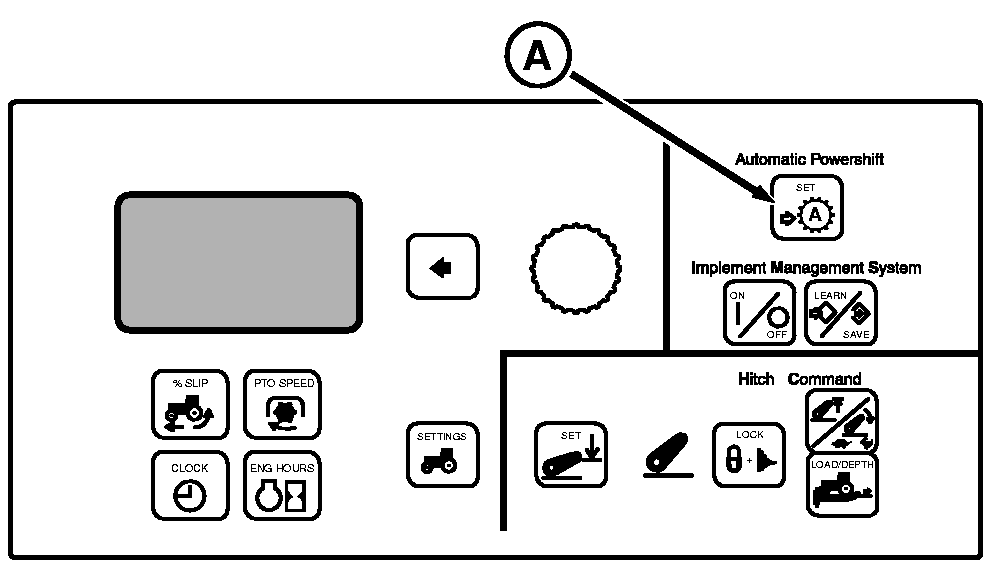
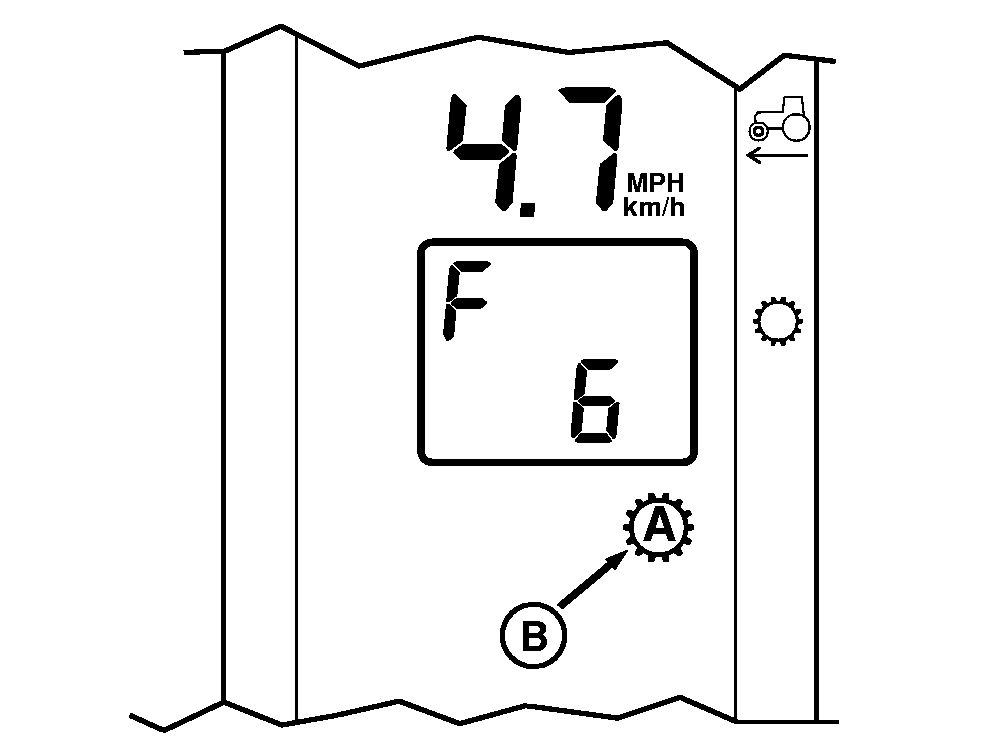
· Throttle must be left at wide open throttle when using APS · Set throttle to full engine rpm. · Select the maximum forward gear. · Press the SET switch (A). APS corner post indicator (B) will light. APS will automatically downshift and upshift as engine rpm or load changes. |
|
OU1092A,00001B1 -19-19OCT07-1/2 |
|
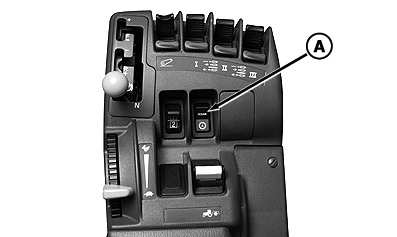
Any manual shift cancels APS. Pushing the RESUME switch (A) restores control of shifting to APS. Depressing the clutch pedal suspends APS but will not cancel the APS function. APS will resume when clutch pedal is released. NOTE: APS can be programmed into Implement Management System (IMS). APS is cancelled when:
· Operator shifts transmission · Operator shifts to NEUTRAL or REVERSE |
|
OU1092A,00001B1 -19-19OCT07-2/2 |