Selecting Units and Language
|
|
|
|
|
|
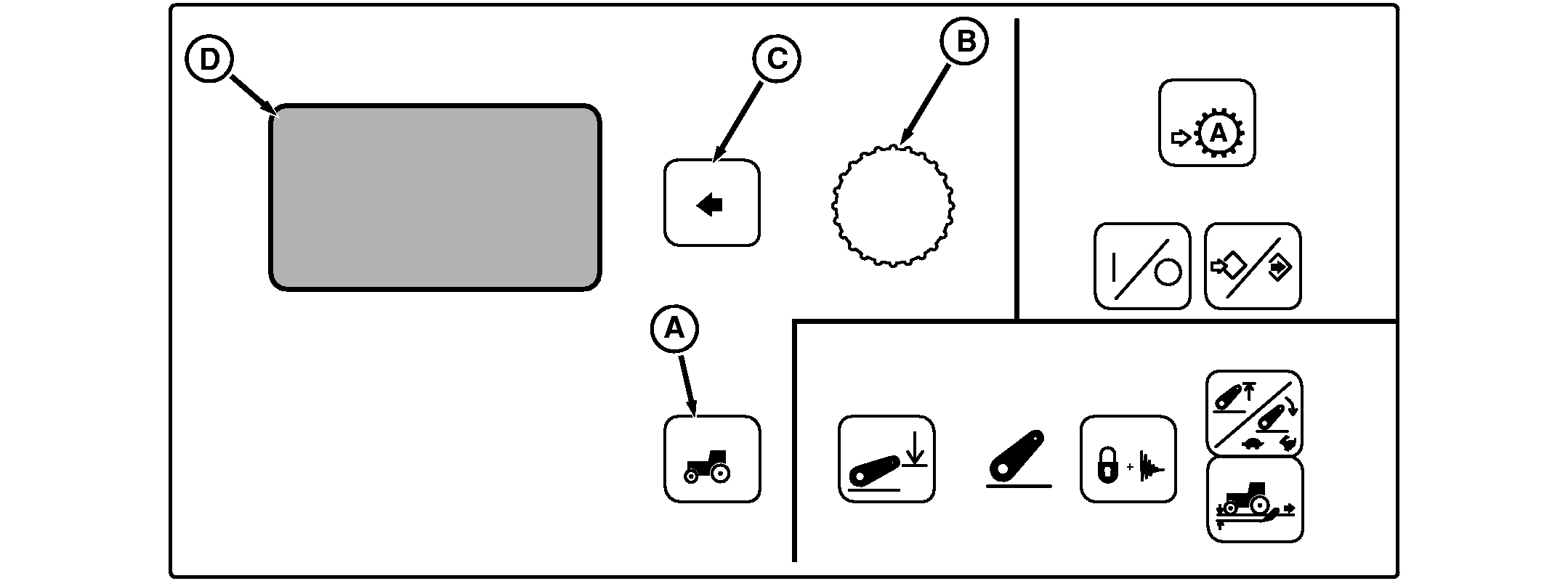
Press Settings Switch (A) to view menu items on Display (D). Rotate Command Dial (B) until desired item is highlighted and press Select Switch (C). Menu Items on Display (D) |
Using Command Dial, change setting and press Select Switch. Units: Displays CommandCenter and corner post measurements in either U.S. or Metric units. Language: Languages listed are a standard language listing. Your tractor may have a slightly different language depending on regional area. Not all languages can be provided. Should other languages be required contact your John Deere dealer for language availability and details for updating your CommandCenter software. |
RW29387,0000055 -19-26OCT06-1/1 |