Setting Automatic Powershift Sensitivity
|
|
|
|
|
|
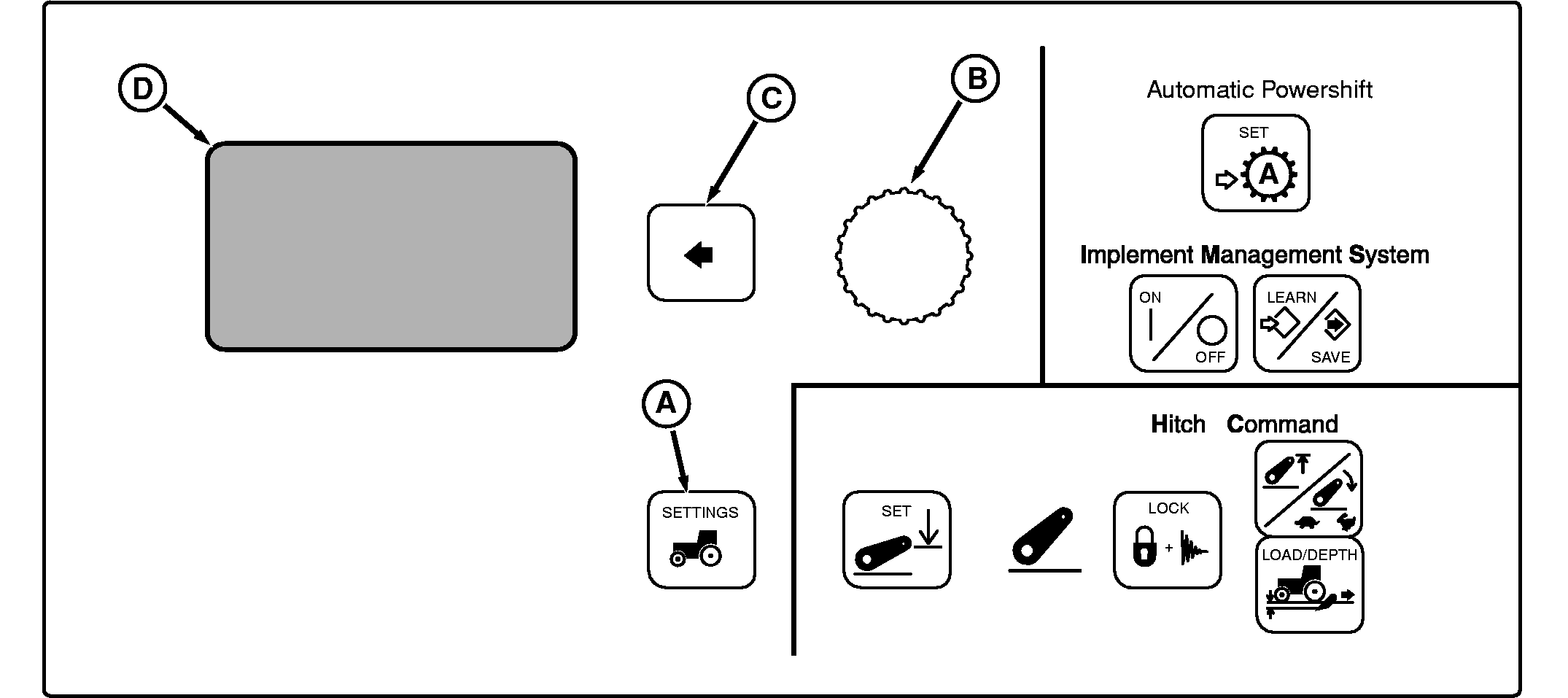
Press Settings Switch (A). Display will read:
Using Command Dial (B), scroll down to Transmission , then press Select Switch (C).
Display will read:
Scroll down to Auto Shift and press Select Switch.
Display will read: |
1. Low RPM - This is the tightest engine speed control setting for APS load mode. It is intended to be used in applications where tight engine speed control is desired. It is automatically selected by the PTP control unit when the PTO is ON. The Low RPM text description implies that minimal engine speed droop is required to initiate automatic shifts. 2. Medium RPM - This is a moderate engine speed control setting for APS load mode. It is the factory default and is intended to be used for most field applications where a moderate level of change in load will be encountered and a balanced sensitivity to changing loads is desired. 3. High RPM - This is the widest engine speed control setting for APS load mode and allows more load change before initiating any automatic shifts. This may be useful in applications where highly variable load conditions will be encountered.
Select sensitivity setting desired and press Select Switch to save selection. |
OU1092A,00001B0 -19-01NOV06-1/1 |